


|
Fast delivery |
Return your order within 14 days |
24 month warranty |
Free shipping over 199€ |




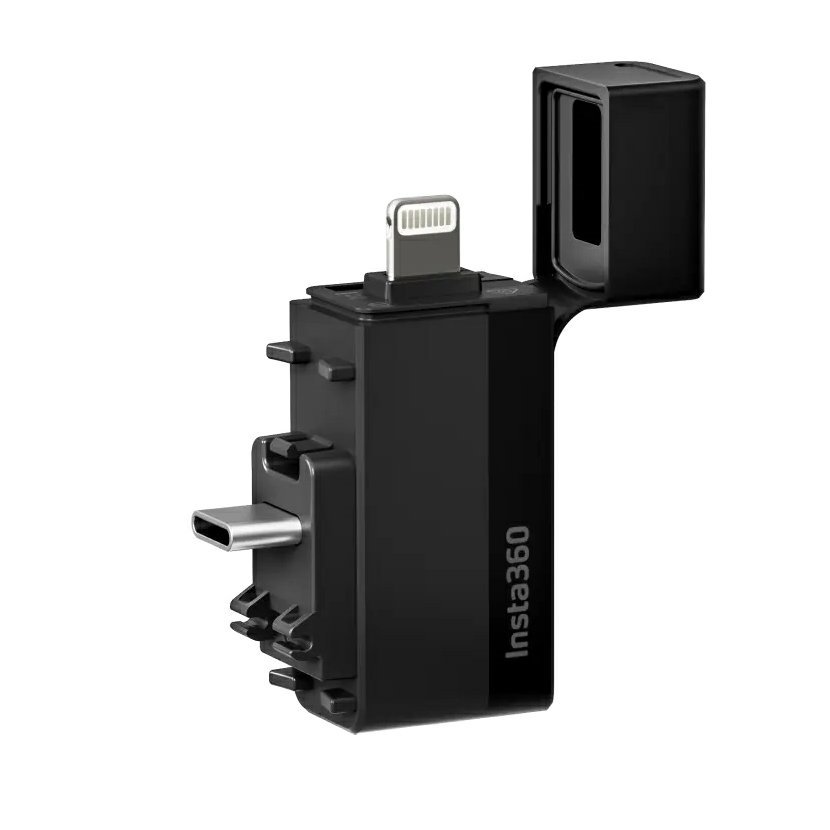
Insta360 X3 Quick Reader
74,90 € incl. tax

Insta360 X3 Quick Reader
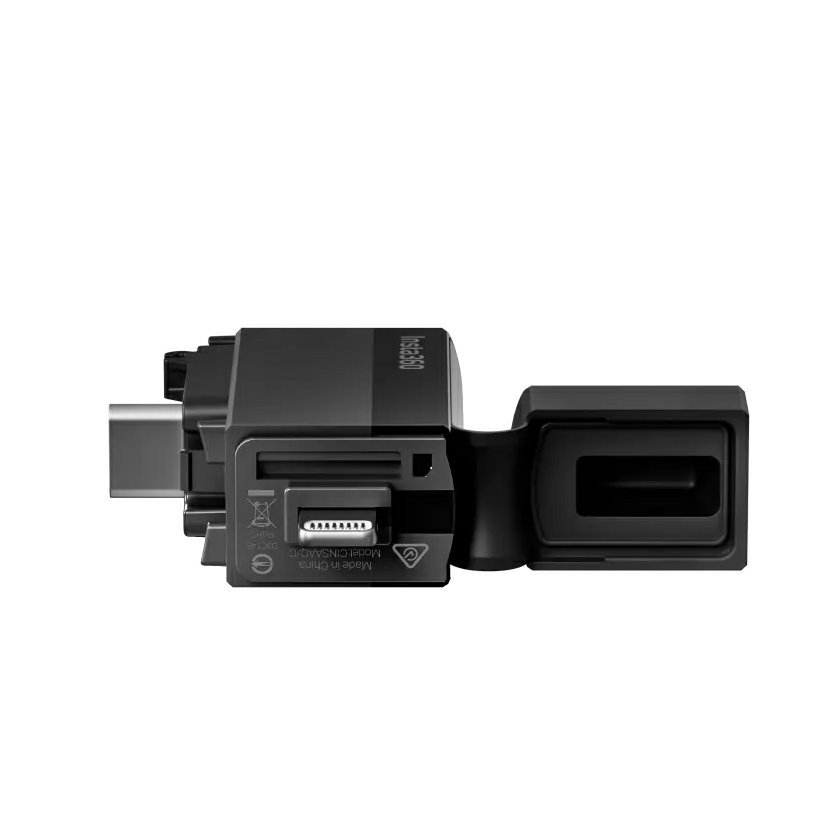
Plug and Play storage module. Transfer files without the need for WiFi
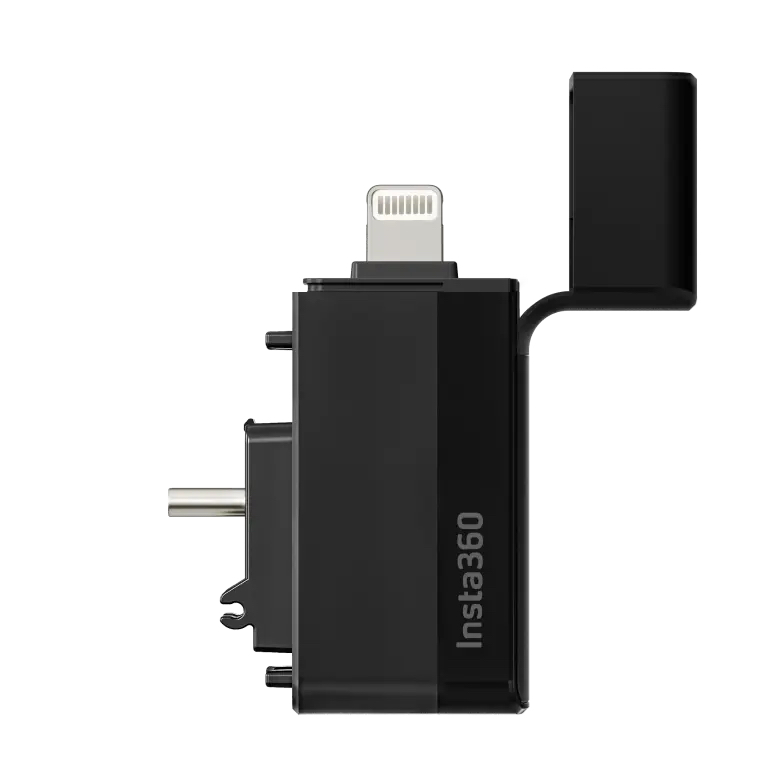


When connected to the camera, the Insta360 X3 Quick Reader can also be used as an external standalone memory module. The images are first stored in the fast reader, which increases the storage space of the camera.


Fully compatible and adaptable
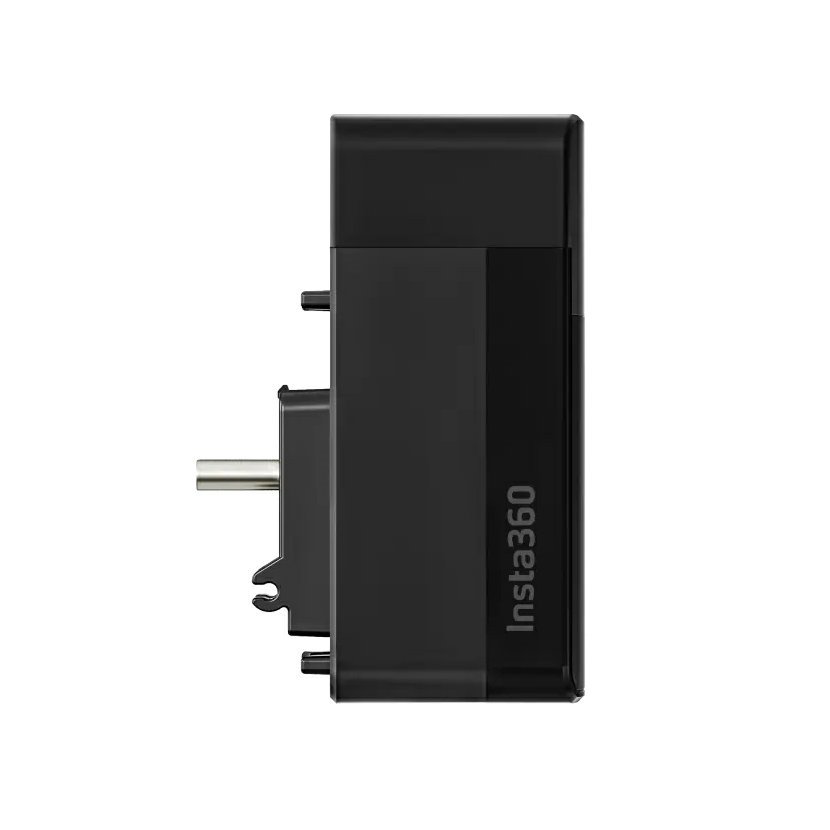
Dual USB Type C and Lighting connectors, compatible with iOS and Android devices
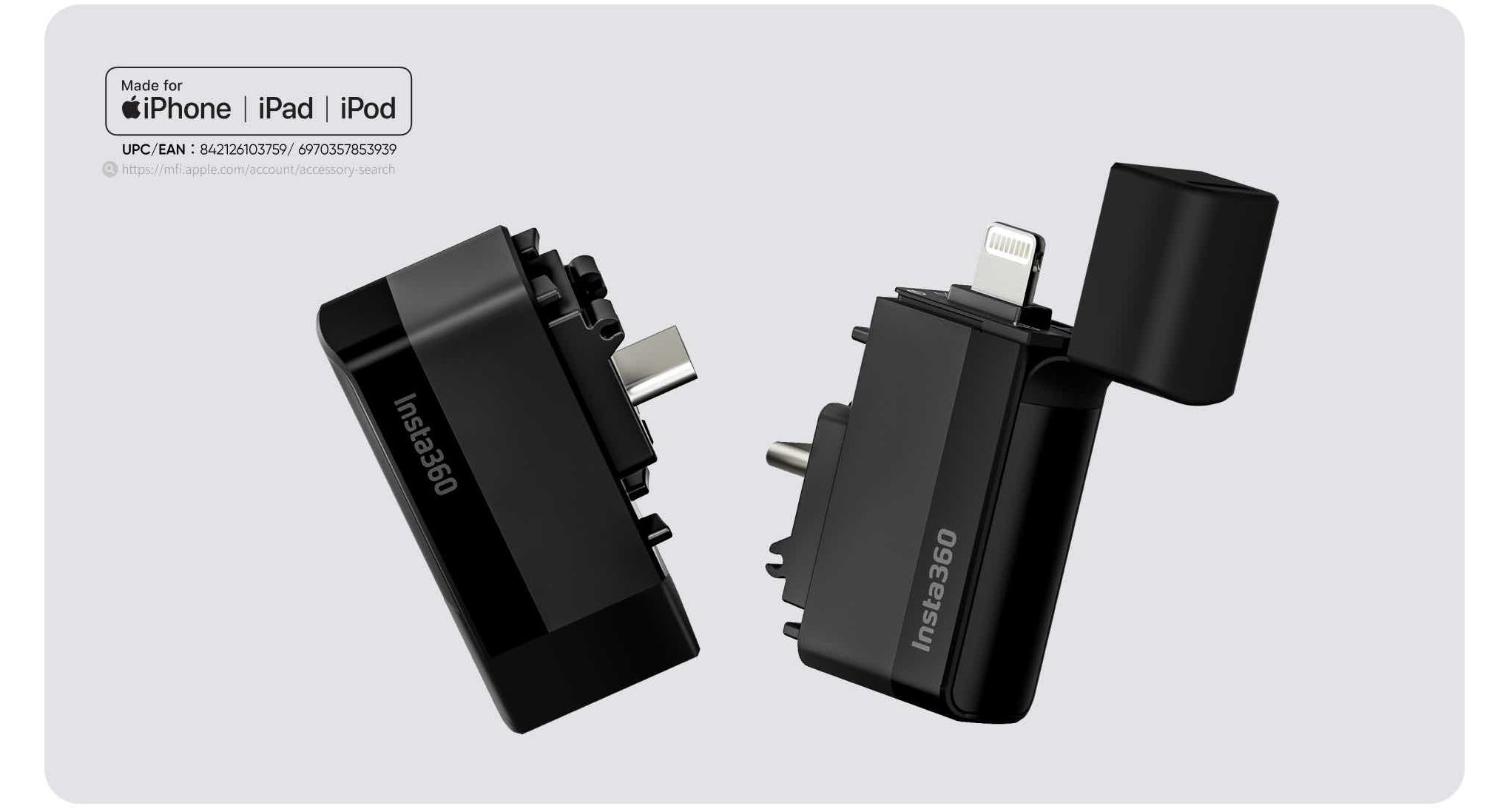
Specifications:
Material: Polycarbonate (PC), silicone
Weight: 12.3g (0.43oz)
Dimensions: 46.18 x 14.05 x 30.49 mm
Package contents:
1x Quick Reader
1x manual
Instructions
Before using the camera, insert the micro SD card into the fast reader.
Connecting to the camera
When connected to the camera, the Quick Reader serves as an external SD card on which videos and photos will be saved directly during shooting.
1 Turn on the camera. Remove the locking cover of the camera and insert the quick reader. The prompt "Restart to use Quick Reader" will appear. Click YES to restart the camera and
you change it to fast reading mode. (Or click Settings > USB Mode on the camera and select Quick Reader mode.)
2. When finished, disconnect the quick reader and replace the lock cover
Connected to a phone or tablet
When connected to a phone or tablet, files on the Quick Reader can be played and edited directly in the lnsta360 application, allowing for faster processing speed.
1 Download the lnsta360 app to your phone or tablet.
2. Connect the Quick Reader and open the lnsta360 application. On iOS: Quick Reader files can be accessed directly.
On Android: In the lnsta360 app, click Settings > Select a folder > Use this folder
(On some phones, you'll need to tap the upper-left corner, select the appropriate drive, and then click Use this folder.)
Connecting to a computer
Once connected to a computer, Quick Reader files can be fully accessed and transferred from the computer.
Notes
1. Even if there is a microSD card in the camera, the data will be saved to the SD card in the fast reader when it is connected to the camera.
2. If Quick Reader is disconnected during scanning, the file will not be saved to Quick Reader.
3. The fast reader may disconnect during intense action or movement. Use it carefully.
4. For some phone manufacturers like OPPO, you will need to enable the OTG function in the phone settings before using the fast reader.
5. iPads with Type-C port cannot play Quick Reader files through lnsta360 due to Apple restrictions. Simple videos and photos can be played/edited using the Files app on the iPad. Other file types are not available.
6. Devices that do not support ex FAT, such as Google Pixel, cannot read files stored in Quick Reader.
7. To ensure a solid connection, it is recommended to remove the phone/tablet covers before connecting to the speed reader.
8. Some Vivo phones are not compatible with Quick Reader. Please contact the lnsta360 customer service team for details.
Related



Add reply to comment: