


|
Fast delivery |
Return your order within 14 days |
24 month warranty |
Free shipping over 199€ |




Insta360 X3 Dive Case
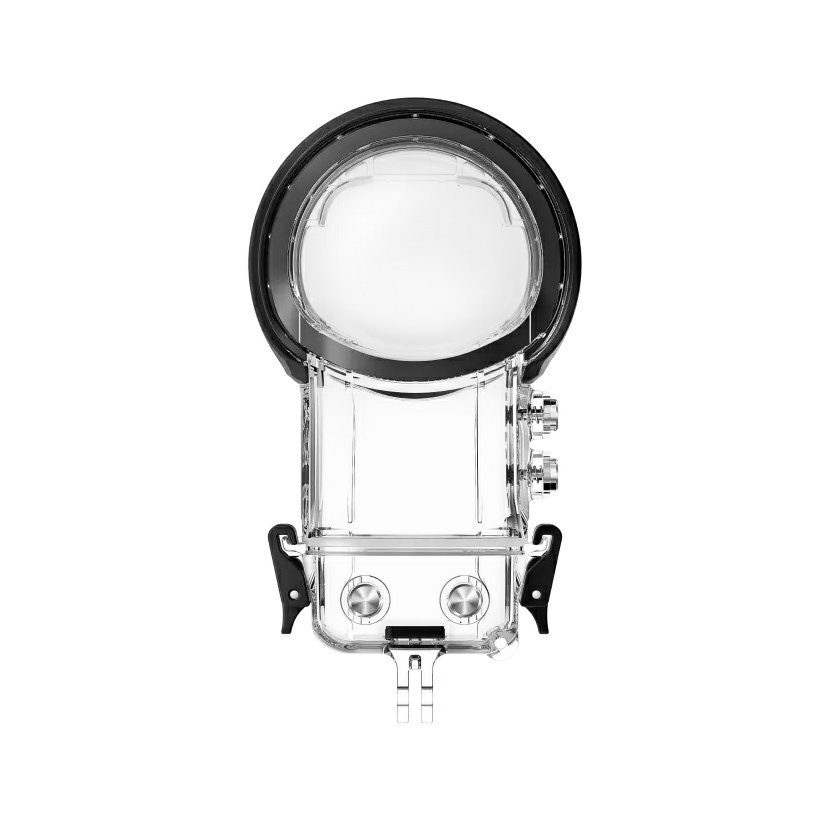
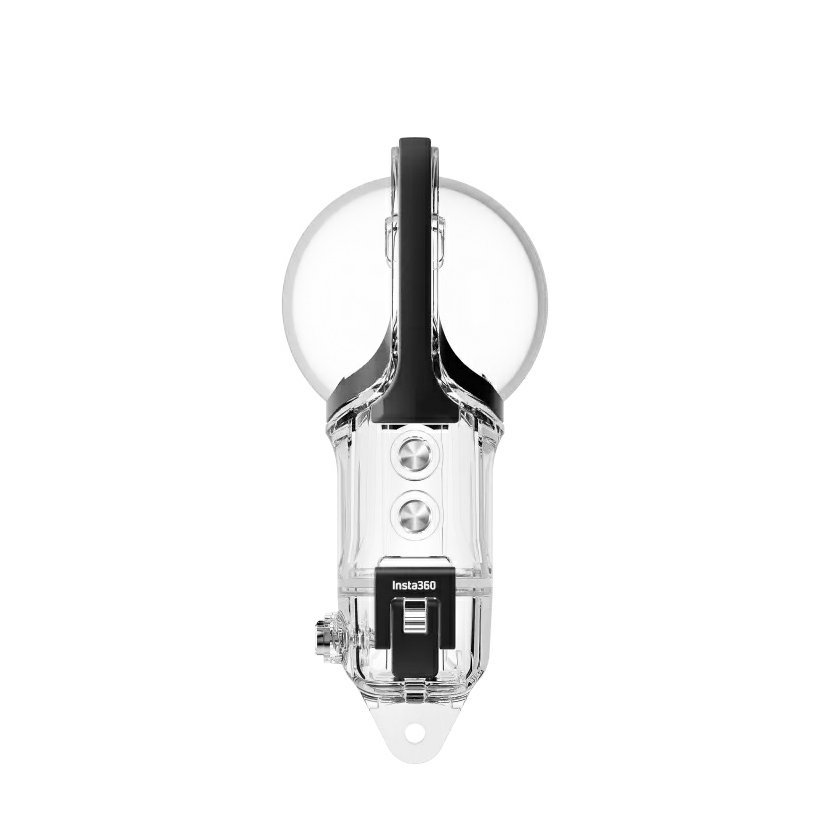
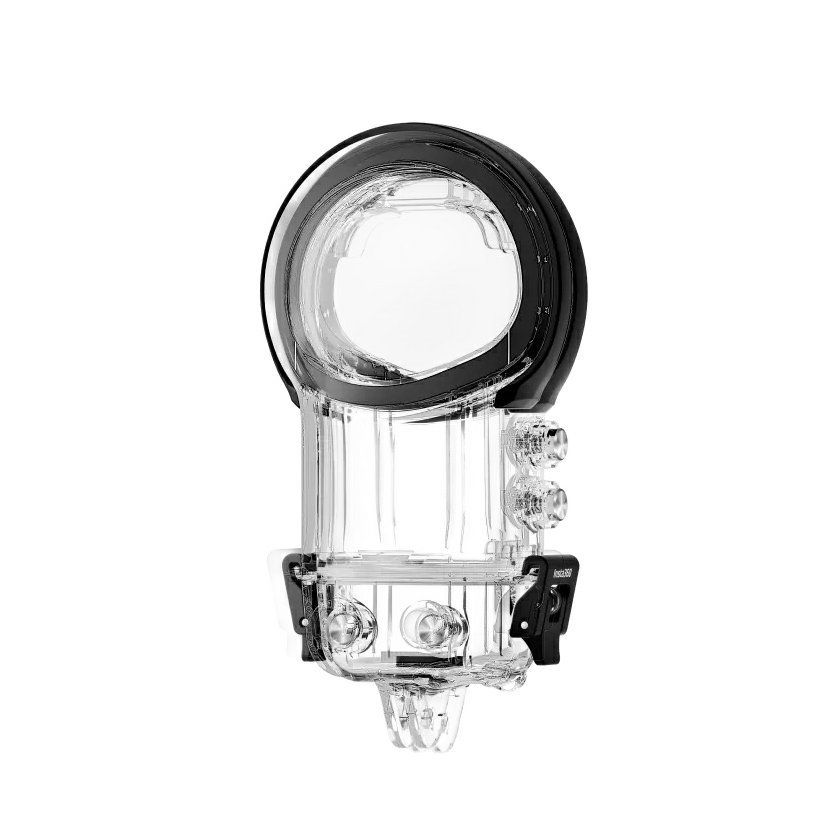
99,00 € incl. tax

Insta360 X3 Dive Case
A waterproof case made for the deep
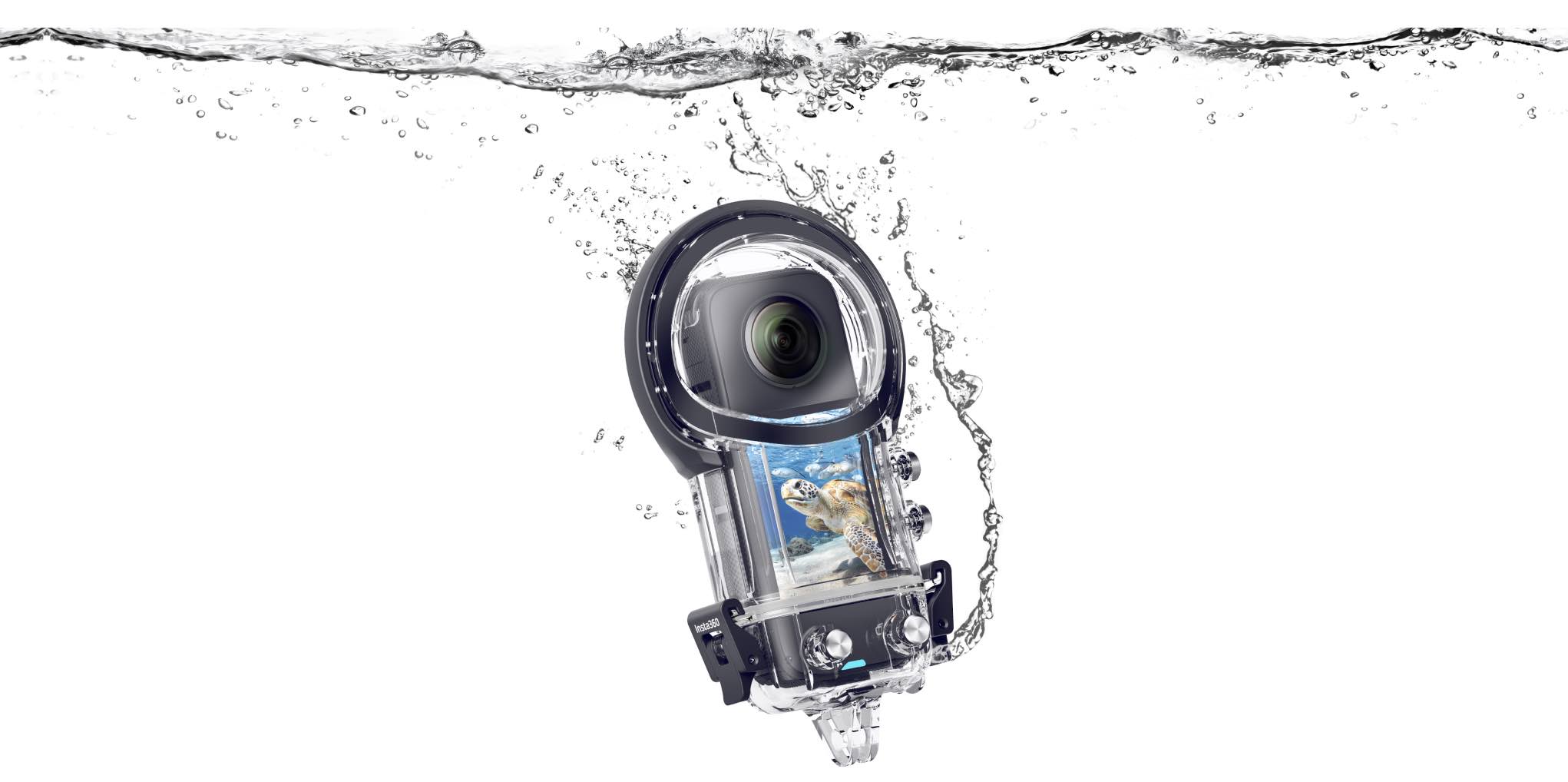
Go deeper
Its waterproof construction allows you to take amazing shots up to a depth of 50 meters. Great for water sports and diving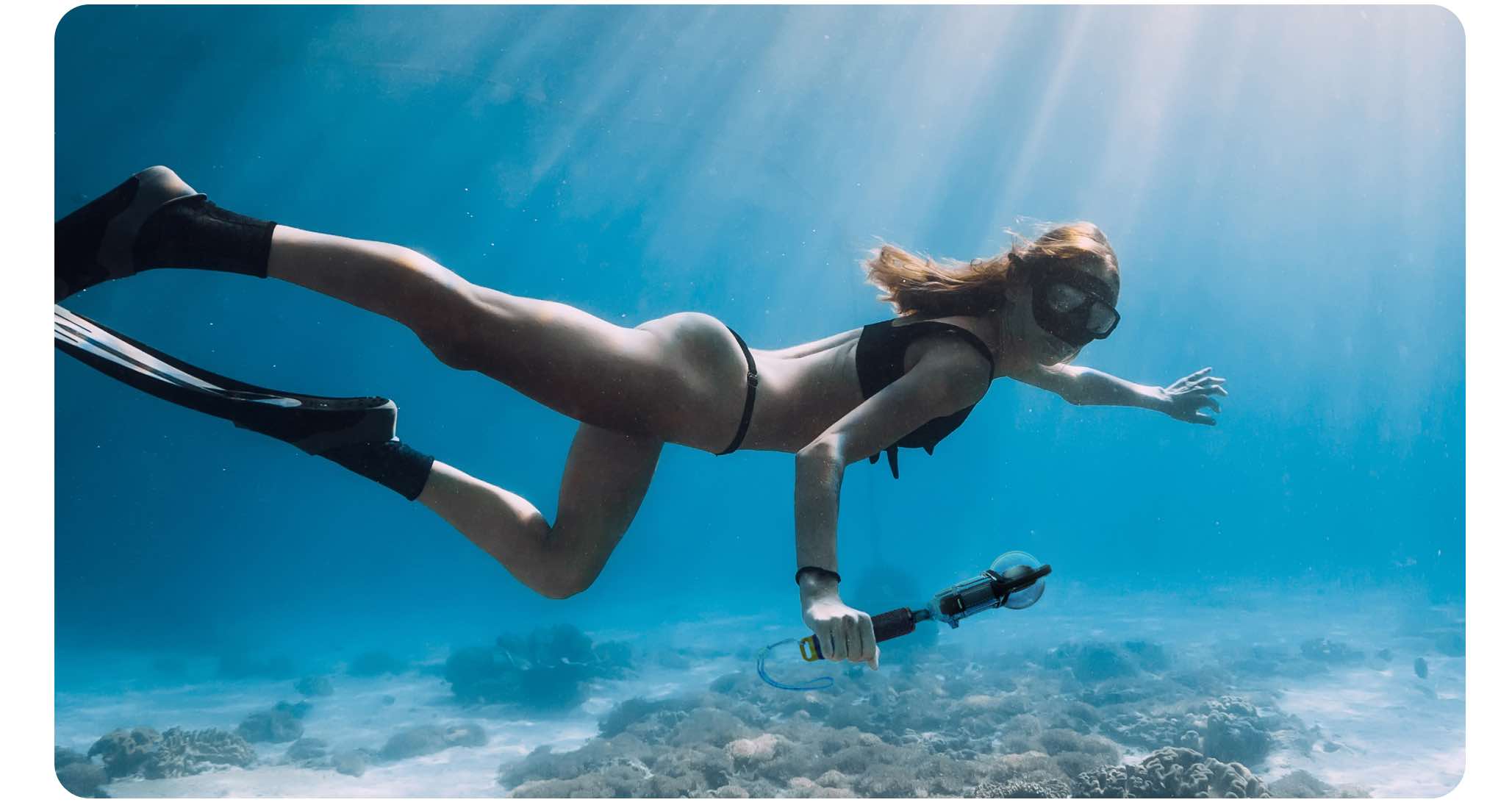

Get seamless footage underwater
Thanks to its dome structure, your 360 shots will be amazing. This is a case that compensates for water refraction issues that can cause image distortion and image stitching issues.

Specifications
Material: Polycarbonate
Weight: 131g
Package contents:
1x lnsta360 X3 wild case
6x anti-fog inserts
4x stabilizing pads
1x key
1x 1/4" mounting adapter
1x 1/4" screw
1x portable case
1x instruction
Instructions
1. Open the case
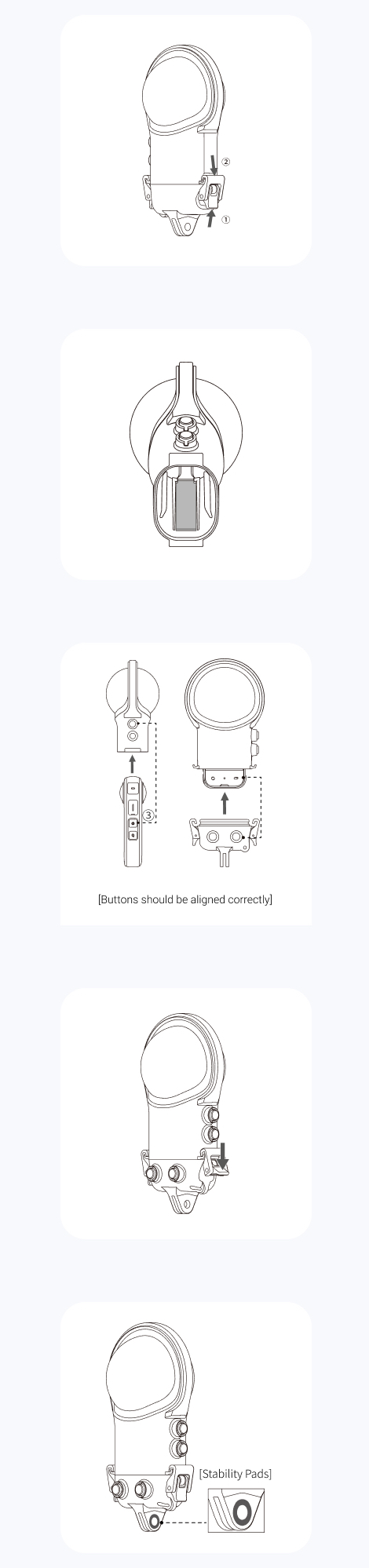
Lift the buckle as shown below G), then pull it down and remove it from the hook. Repeat with the other clip. Once both sides are loose, open the diving case.
2. Insert the anti-fog labels
Make sure the anti-fog layer is inserted as shown below
Note: If using anti-fog films from other manufacturers, please ensure that the size does not exceed 48.4x 2.4x 0.2mm. If the sheet is too large, it will cause water to leak and potentially damage the camera.
3. Insert the camera
First, install the Dive Case top cover. Then install the bottom cover of the Dive Case.
Note:
1) When using the camera in the water, lock the touch screen to avoid accidental commands. Press the Button ® (power button) on the side to switch shooting modes.
2) Be careful not to scratch when inserting the camera
lenses.
4. Close the case
To close the diving case, secure the clip to the case hook and push down firmly until it clicks.
Note:
1) Make sure the diving case is tightly closed. Make sure that the parts of the Dive Case that are in contact with its rubber seal are free of dirt and dust
2) For best results, keep the dome lenses of the dive case clean.
5. Attach the stabilization ring
When connecting the diving case to other accessories, such as a floating handle, be sure to stick a stabilizer ring on the screw points.
6. Stitch
After shooting with the Dive Case, you can access the lnsta360 X3 files through the lnsta360 app or lnsta360 Studio. The files are automatically selected as Stitch for Dive Case.
Related



Add reply to comment: