


|
Fast delivery |
Return your order within 14 days |
24 month warranty |
Free shipping over 199€ |




DJI Osmo 360 Standard Combo
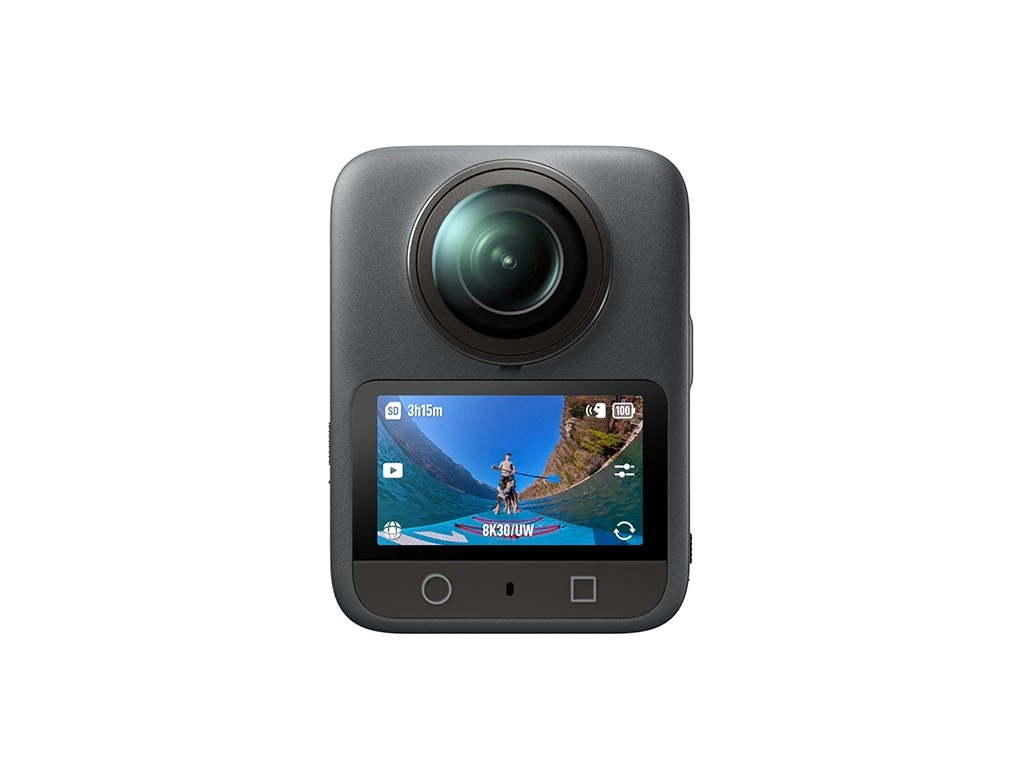
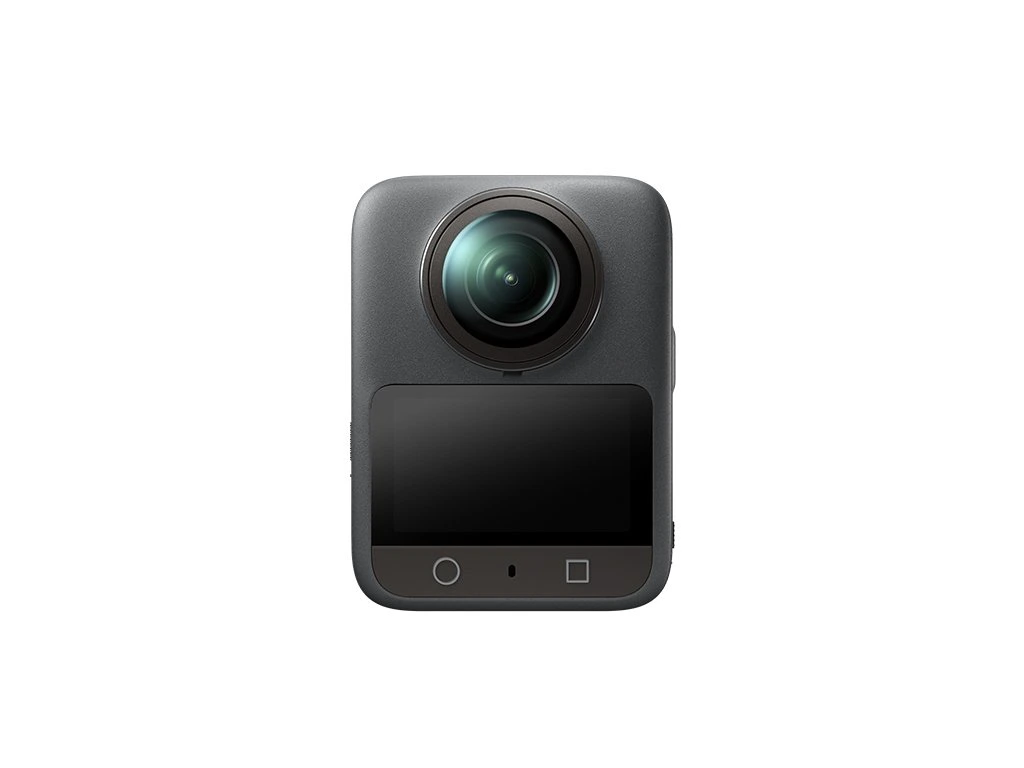
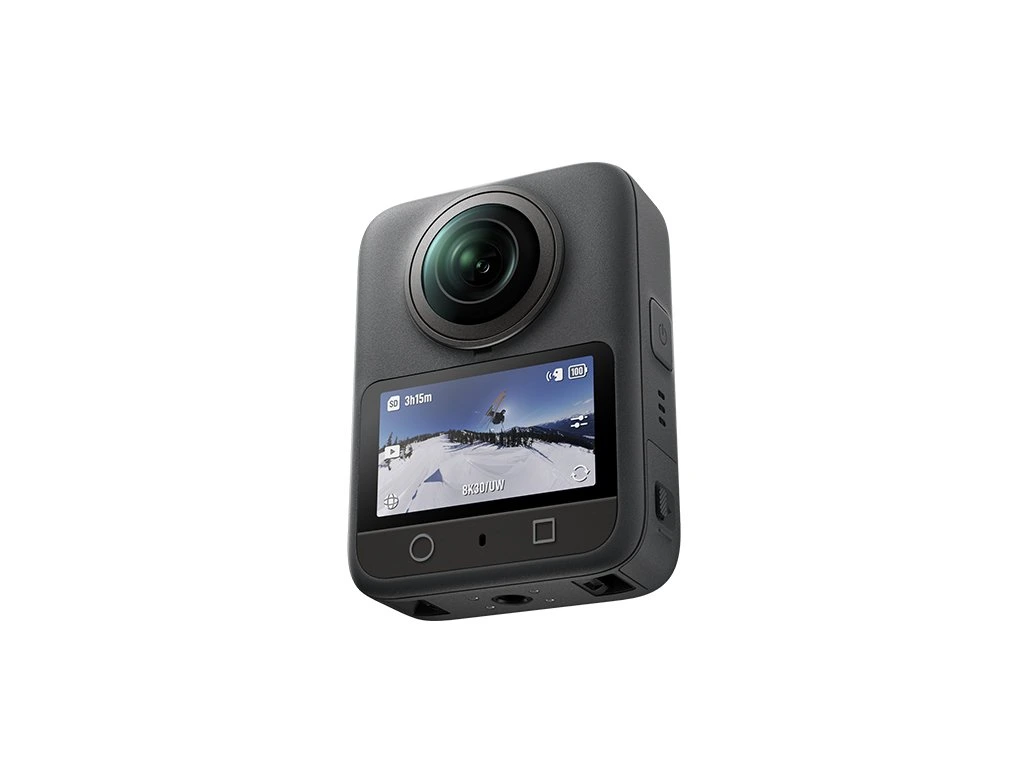
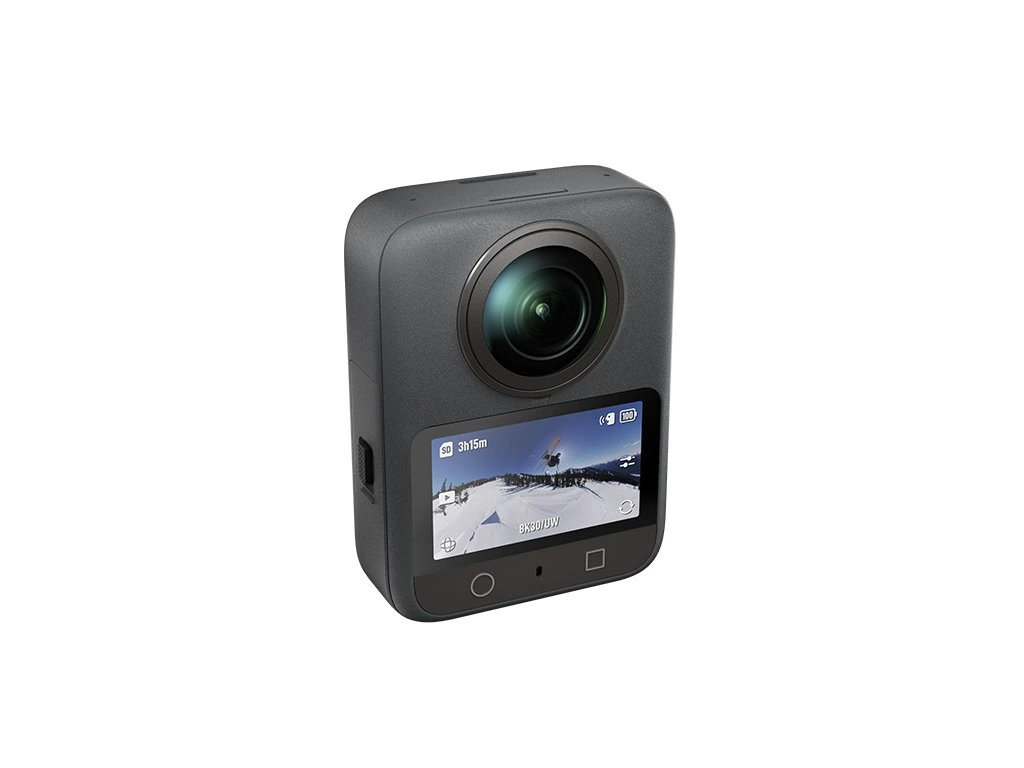
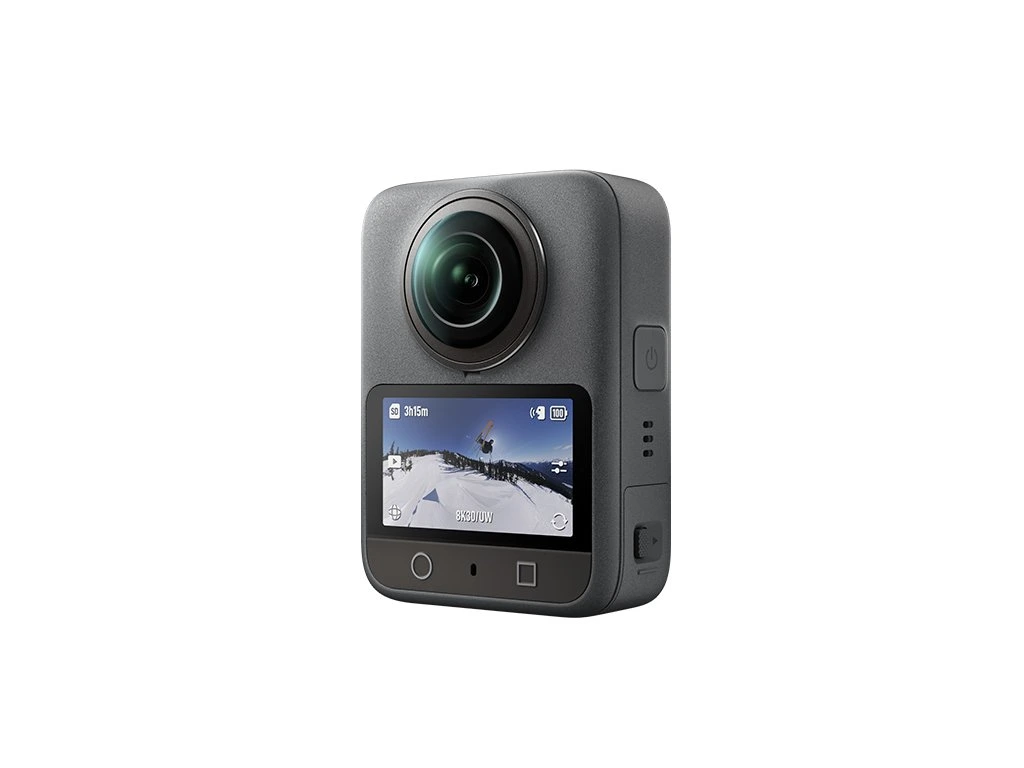
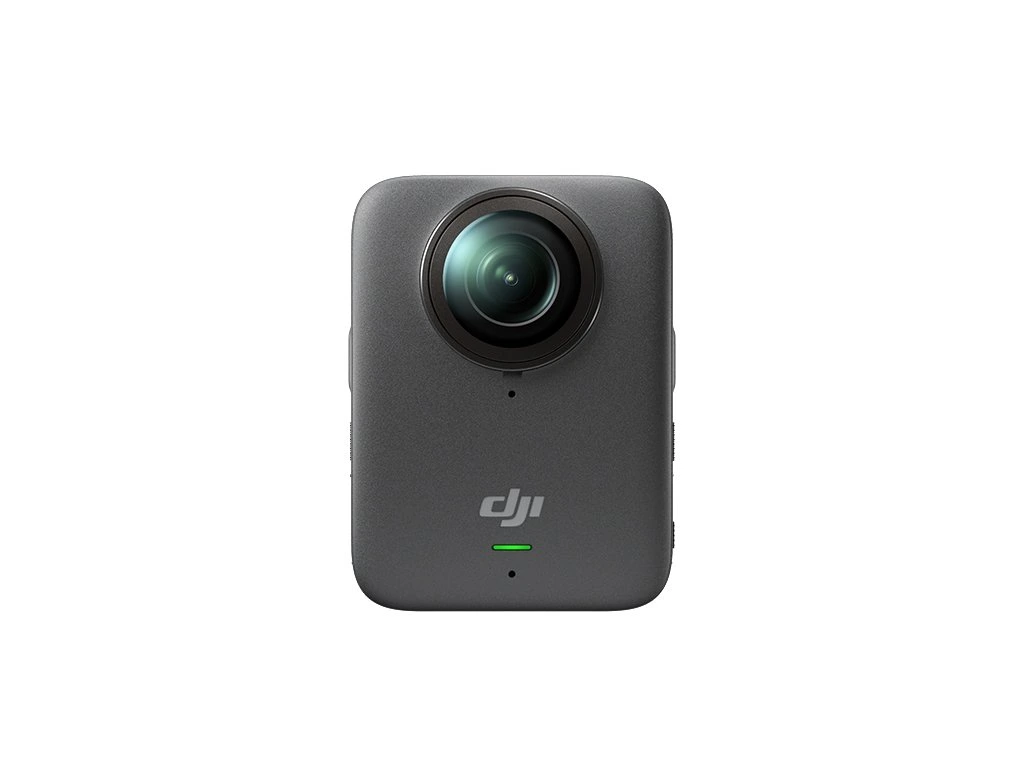
 DJI Osmo 360 Standard Combo
499,00 € incl. tax

DJI Osmo 360 Standard Combo
Key Features:
1-inch 360° imaging [1]
Native 8K 360° video and outstanding low-light performance
4K/120 fps and 170° ultra-wide field of view
120MP 360° photos
Magnetic quick-release Osmo ecosystem
100 minutes of continuous 8K/30 fps recording [2]
10-bit color depth and D-Log M color profile
Direct OsmoAudio™ microphone connection [3]
Native 8K 360° Video
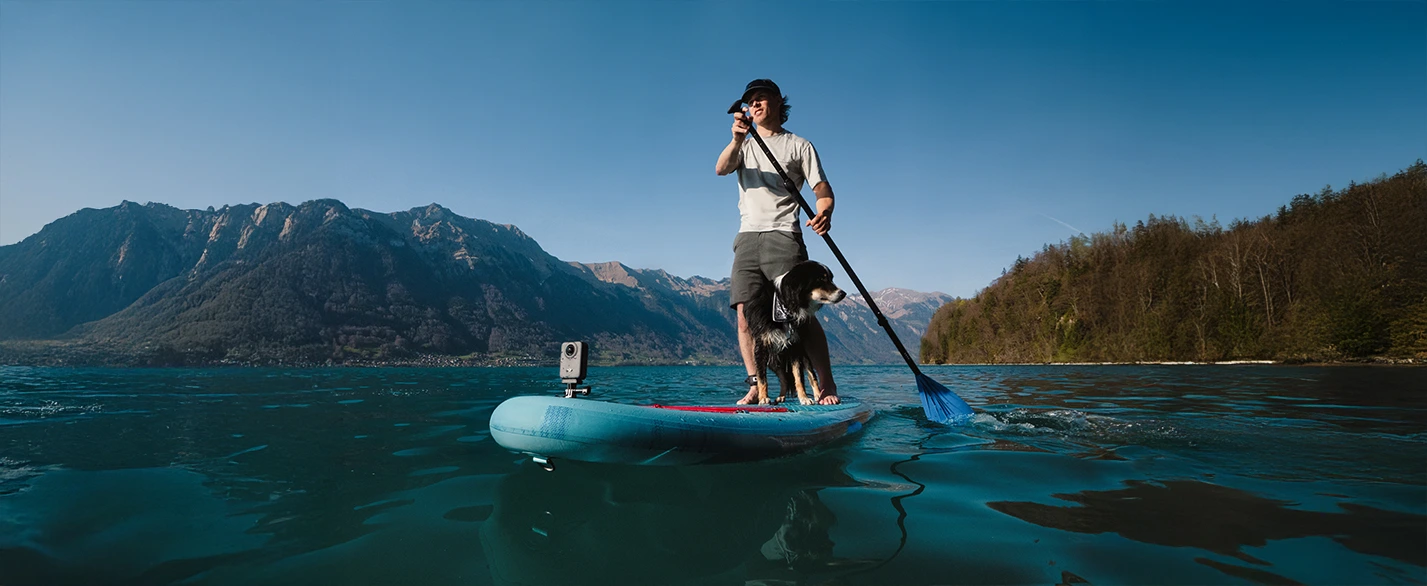
Osmo 360 is DJI’s first camera [4] to natively support 8K/30 fps 360° video. It uses large 2.4 μm pixels and delivers an exceptional dynamic range of up to 13.5 EV, capturing sharp and vibrant footage even in challenging lighting conditions such as night cityscapes, sunrises, or sunsets. Support for advanced 8K/50 fps 360° video puts the Osmo 360 among the elite of 360-degree cameras. It's the ideal choice for creators seeking maximum detail, realistic colors, and professional video quality.
4K/100 fps 360° Video
With 4K 360° video at 100 fps, the DJI Osmo 360 captures every split second in incredibly sharp detail. Enjoy smooth, dynamic shots with 4× slow motion that extends the most exciting moments and lets you relive them with even greater intensity.
10-bit Color and D-Log M
Every video format on the Osmo 360 supports 10-bit color depth, enabling it to capture over 1 billion colors. The result is an exceptionally rich, realistic, and dynamic image. Switching to D-Log M unlocks an even wider dynamic range – more detail in highlights and shadows. This mode provides greater flexibility in post-production and opens the door to limitless creativity.
Low-Light Performance
Thanks to its innovative square sensor design and dual 1-inch 360° imaging fields [1], Osmo 360 captures high-quality footage even in challenging lighting conditions. The f/1.9 aperture ensures excellent light intake, and when combined with SuperNight mode, it brings every detail of night scenes to life – perfect for city shots or starry skies.
120MP 360° Photos
Capture the world in full 360° with a single click. With a resolution of up to 120 MP (16K), Osmo 360 produces ultra-sharp photos with an extraordinary field of view. Every shot feels immersive – as if you were standing right inside the scene.
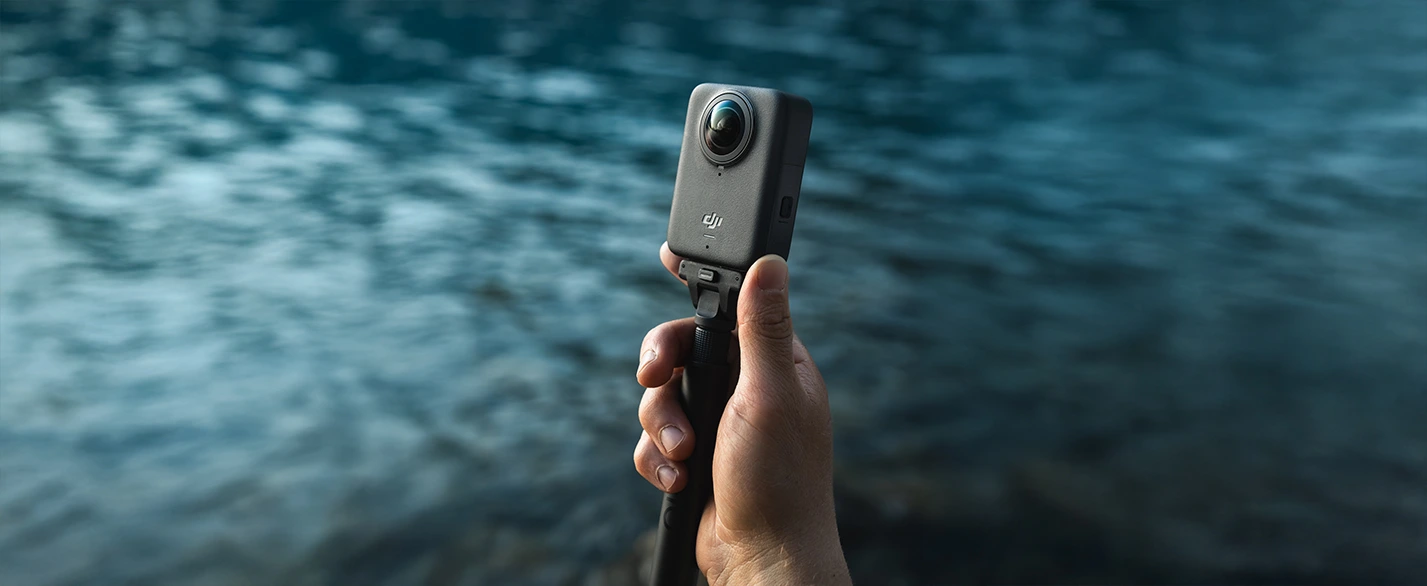
Invisible Selfie Stick
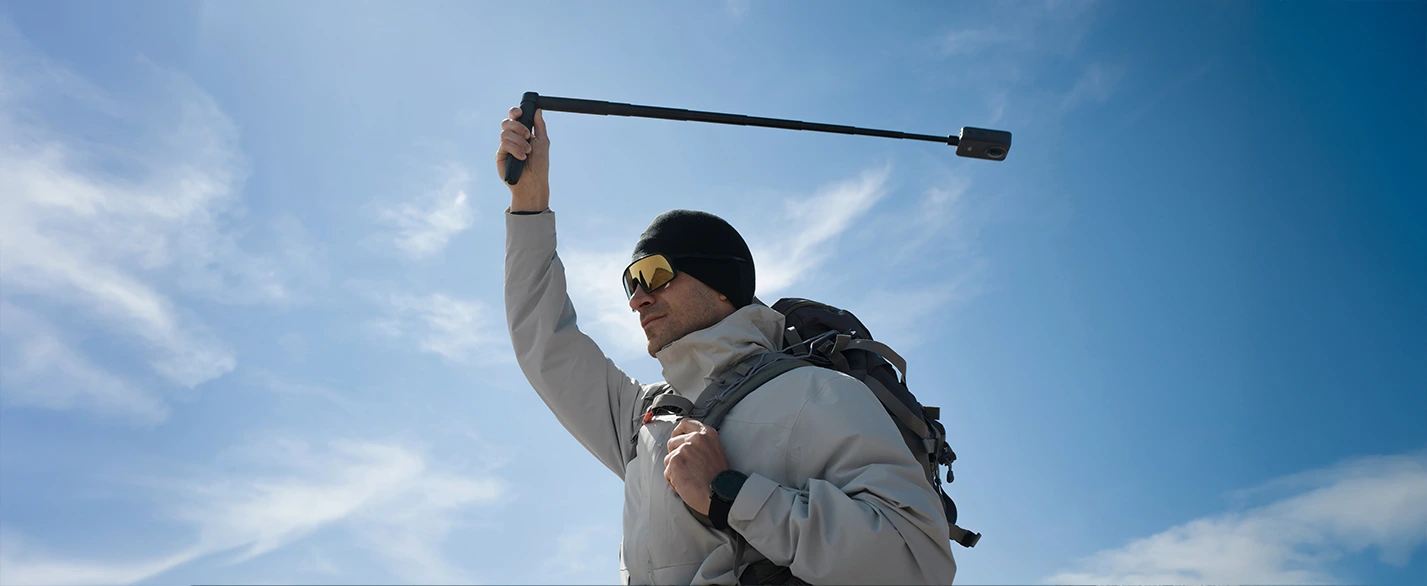
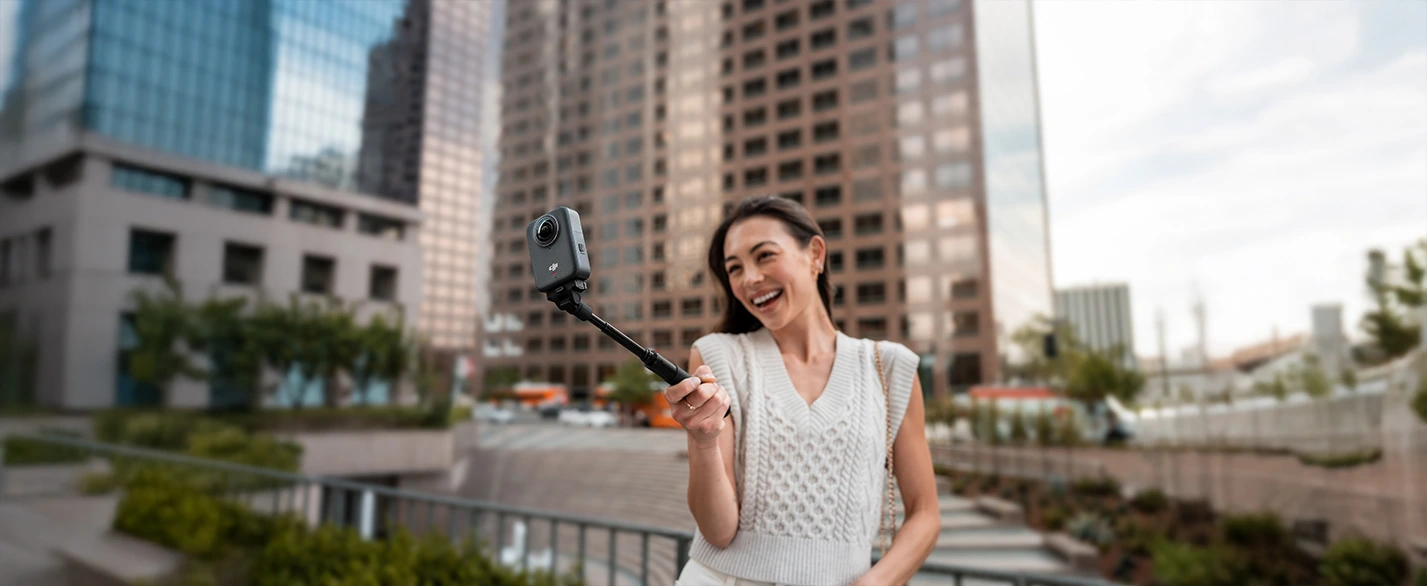
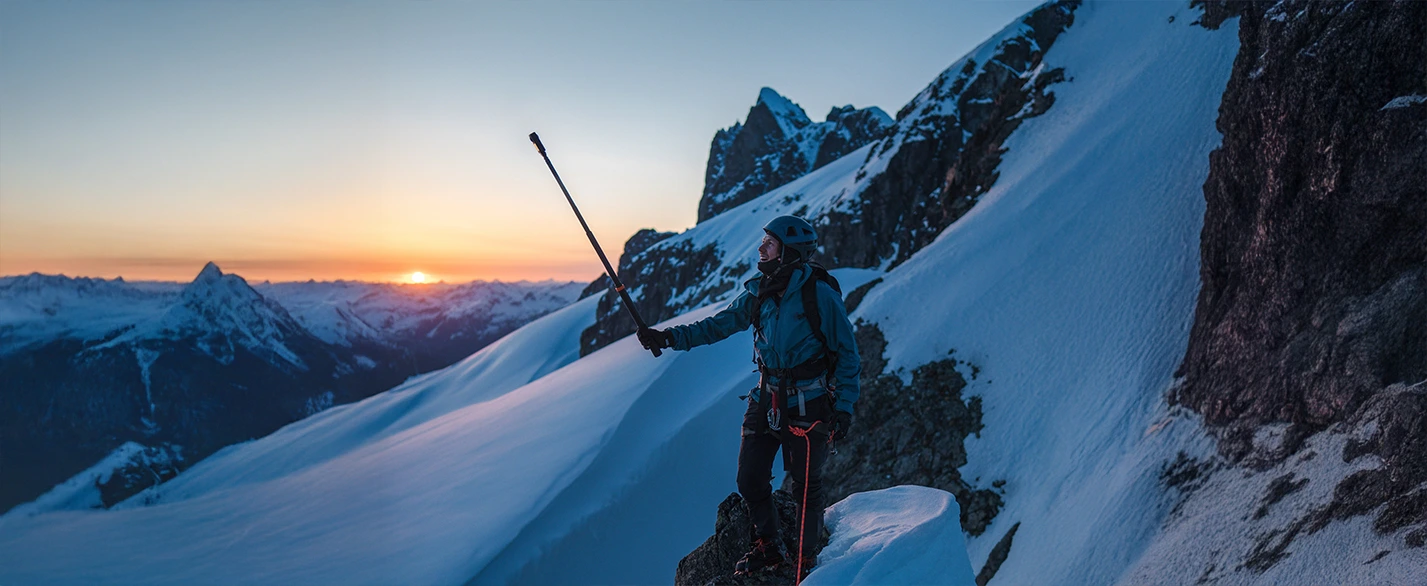
When paired with the invisible selfie stick [5], Osmo 360 creates the effect of having your own personal cameraman. The stick disappears completely from the frame – with no post-production required. Perfect for third-person shots, ideal for action scenes, sports, or travel. In Selfie mode, you can export wide-angle videos with the invisible stick effect in various resolutions:
4K/60 fps – smooth and high-quality video
3K/120 fps – cinematic slow motion
2K/240 fps – extreme slow motion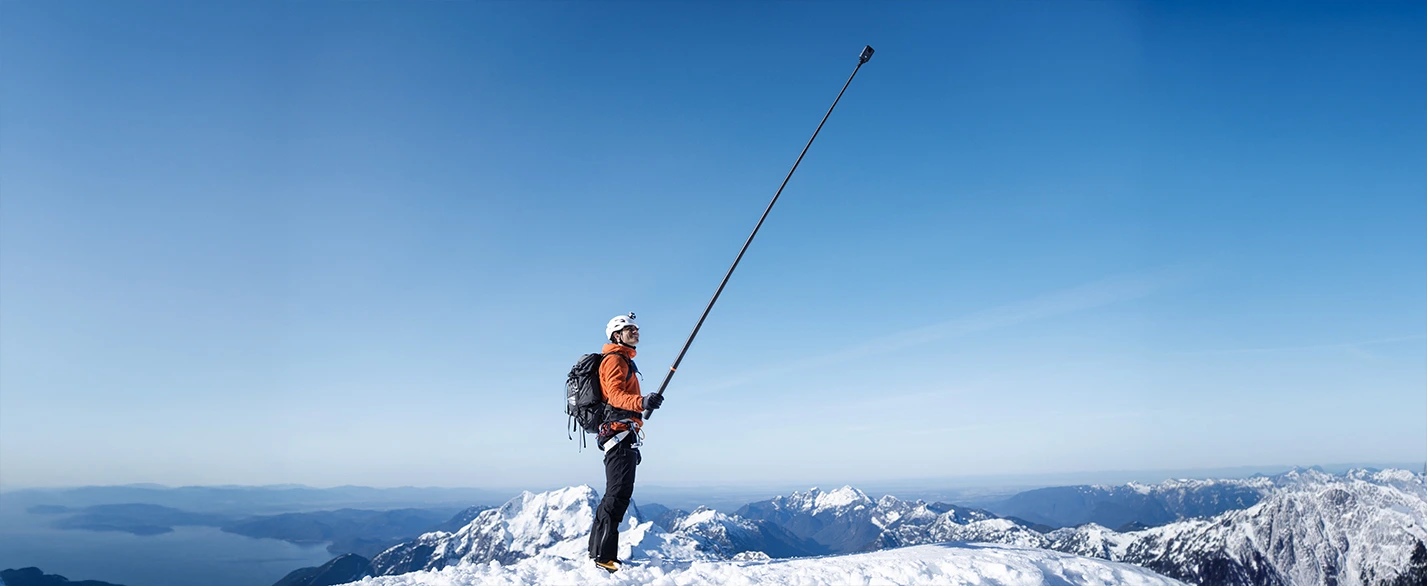
One Lens, Endless Possibilities
Osmo 360 is not just about stunning 8K 360° footage. With a quick switch, it transforms into a powerful first-person action camera with an ultra-wide field of view – perfect for capturing every adrenaline-filled moment. It’s also a great companion for vlogging, making creative shooting easy and adding fun to every shot.
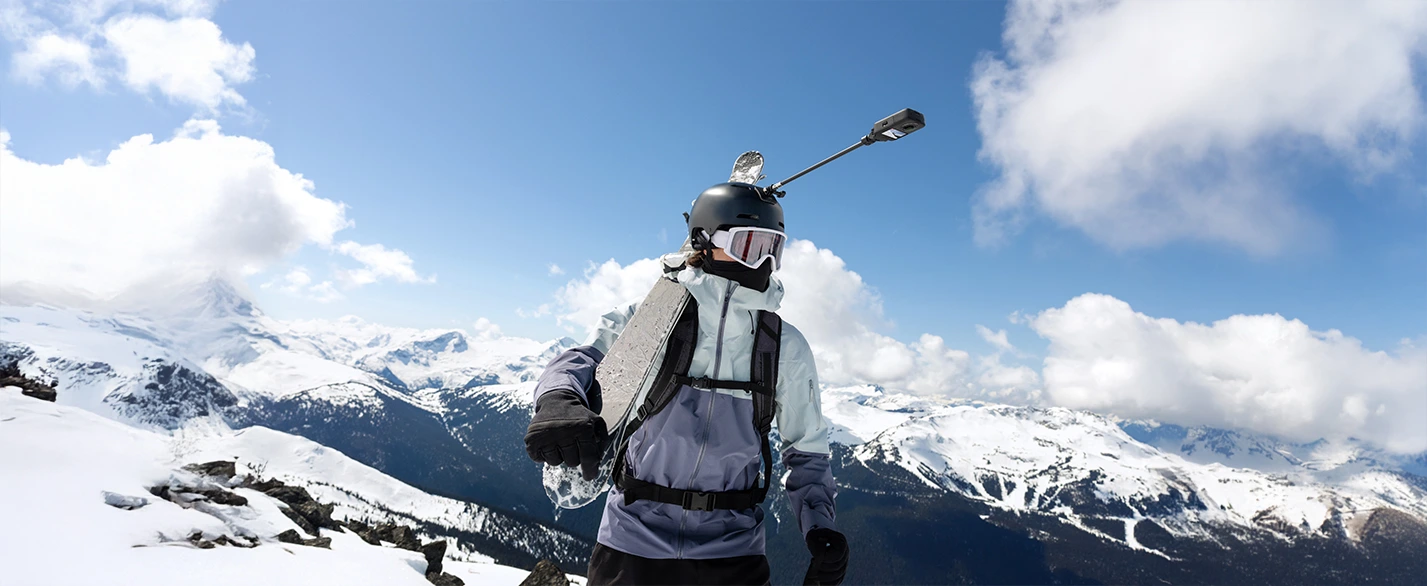
First-Person Action Camera
In single-lens mode, Osmo 360 records sharp and smooth flat video at 5K/60 fps with a 155° wide field of view. Switching to Boost Video mode expands the field of view to 170° and unlocks 4K/120 fps recording – ideal for fast-paced sports, motorcycling, cycling, or outdoor action.
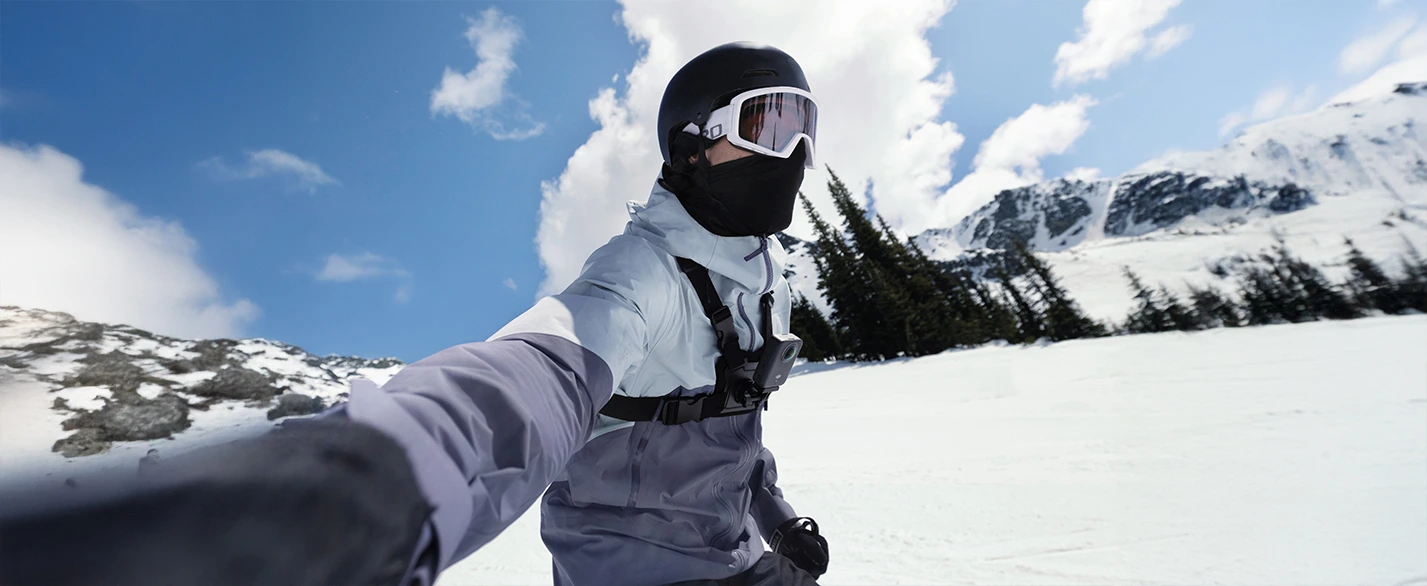
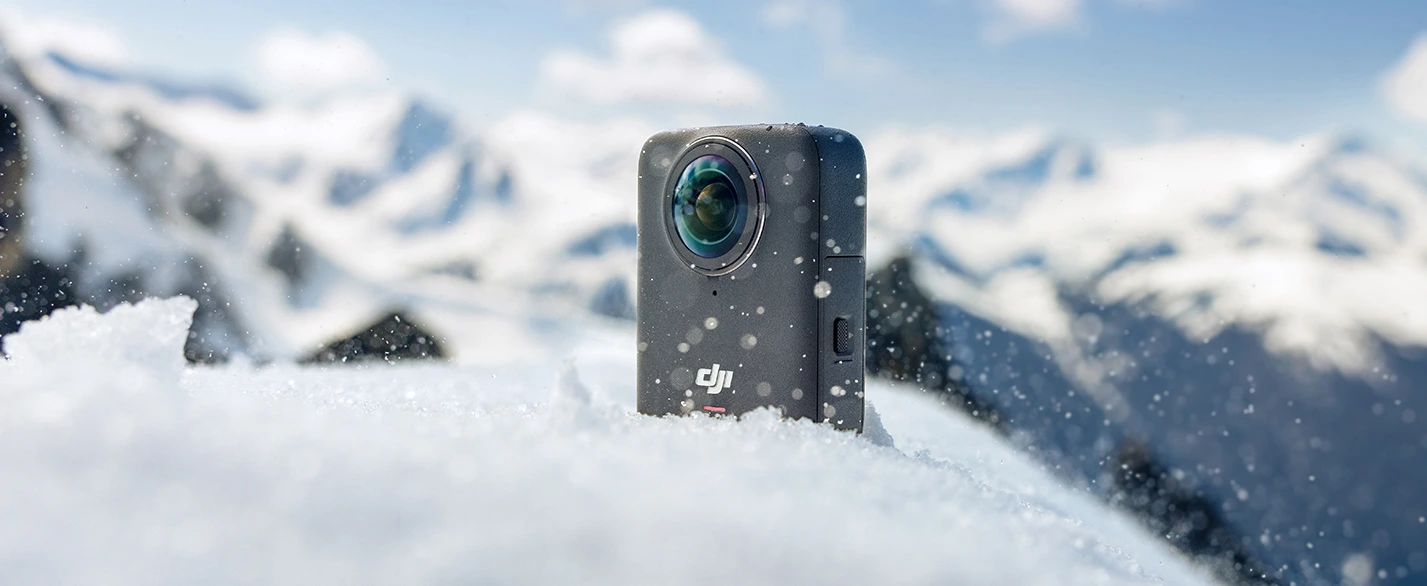
Waterproof and Freeze-Resistant
Osmo 360 is built for extreme conditions – capable of recording for over 1.5 hours even at −20 °C [10]. With IP68 certification, it is waterproof down to 10 m without a housing [11], making it ready for action-packed underwater scenes.
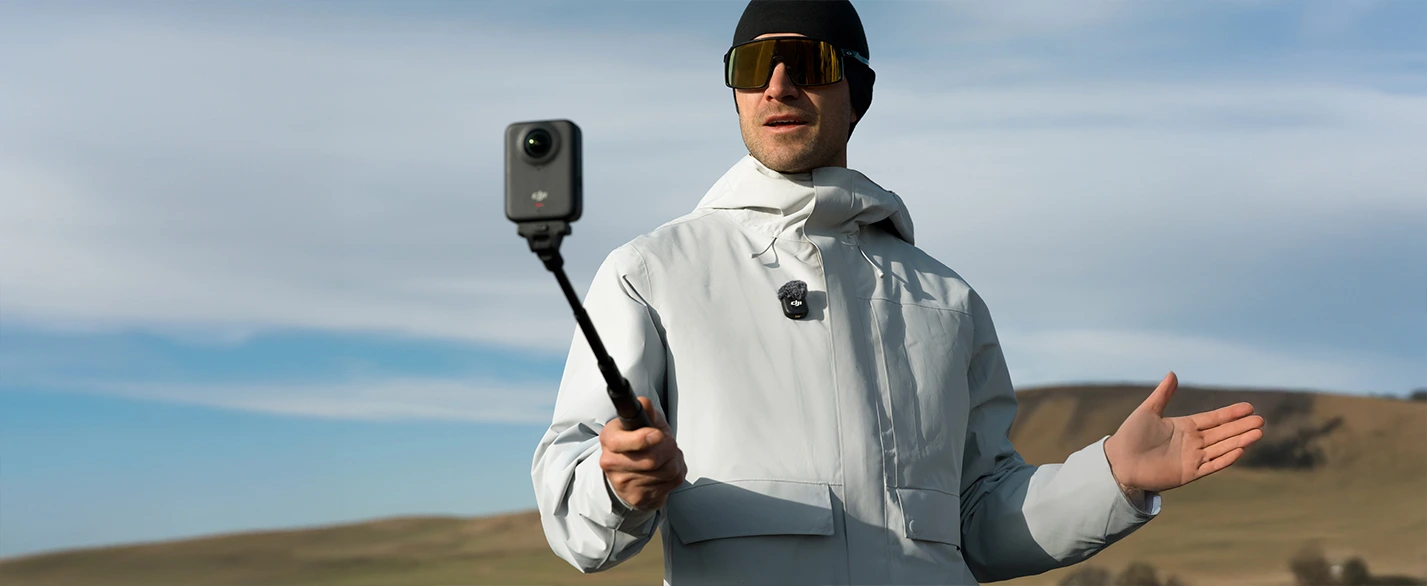
Ideal for Vlogging
In the same mode, you can seamlessly switch between the front and rear cameras [6] without stopping the recording. This means you capture every angle in real time and combine all important moments into one smooth continuous shot without cuts or interruptions.
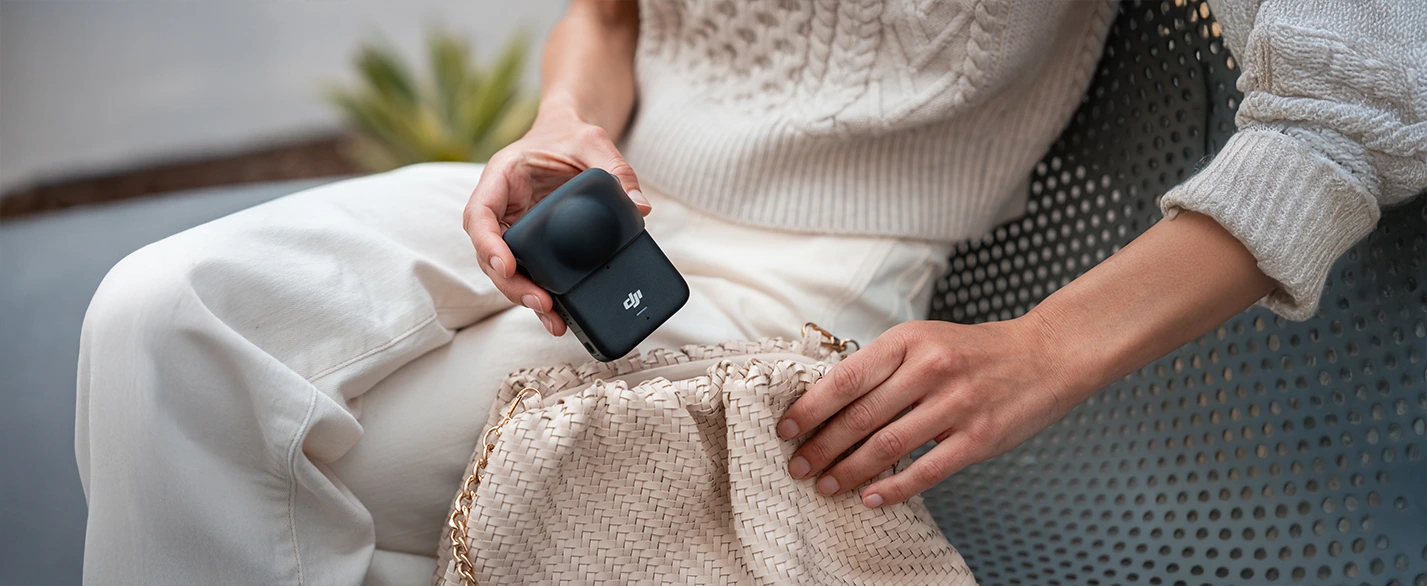
Compact 183 g Design
Thanks to an innovative stacked design, DJI Osmo 360 fits two large 1-inch sensors for full 360° footage [1] into an extremely compact body weighing just 183 grams. Ideal for traveling, sports, and everyday use – without unnecessary bulk.
Up to 100 Minutes of Uninterrupted 8K Recording
The advanced imaging chip and efficient cooling enable continuous 8K/30 fps recording for up to 100 minutes [2]. In 6K mode, you can record for up to 190 minutes [7] – without worrying about missing key moments.
105 GB Built-In Storage
The 105 GB internal memory gives you plenty of space to create, even when you don’t have an SD card at hand. Perfect for travelers, athletes, and creators who need maximum flexibility.
Fast File Transfer
Thanks to Wi-Fi 6.0 and USB 3.1, Osmo 360 achieves the following transfer speeds:
Wireless: up to 90 MB/s
Wired: up to 600 MB/s [8]
Large files can be transferred to your computer in seconds – easily and without delay.
Stereo Recording for Professional Audio
Four built-in microphones capture spatial audio from all directions. The camera supports both Mono and Stereo modes, and thanks to intelligent wind noise reduction, you’ll get clean audio even in challenging environments [9].
Secure Battery Cover
The battery compartment features a sliding locking mechanism that prevents accidental opening or battery ejection. This double protection lets you fully focus on creating – without stress or compromise.
360° HorizonSteady and RockSteady 3.0
HorizonSteady technology effectively eliminates shakes while automatically leveling horizontal rotation across the full 360° range – ideal during sudden movements and camera rotations. When using a single lens, RockSteady 3.0 ensures smooth first-person footage while maintaining motion dynamics and an authentic feel.
Magnetic Quick-Release System
Osmo 360 is compatible with the Osmo Action accessory series, and thanks to the standard 1/4" thread, you can easily mount it on a tripod, arm, or holder. With the invisible selfie stick and quick-release adapter [12], you can instantly switch between 360° mode and traditional vlogging.
Magnetic Charging with Battery Extension Stick
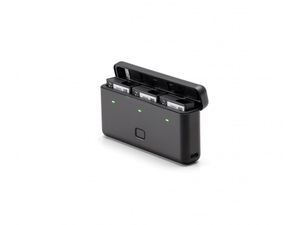
Built-in magnetic contacts enable fast connection to the battery stick [13], extending recording time up to 180 minutes in 8K mode [2]. The stick also includes controls for sleep, wake, and recording – all within easy reach.
OsmoAudio™ Microphone Connectivity
The camera can directly pair with two DJI microphone transmitters [3] without the need for an external receiver. Get clean, studio-quality stereo audio while still recording ambient sound through the built-in mic thanks to backup functionality.
Gesture and Voice Control
You can start or stop recording with a simple hand gesture – even with gloves on. With voice control, you can record completely hands-free and stay fully focused on the scene.
Audio Recording via Bluetooth Headset
Connect Bluetooth headsets like SENA or VIMOTO [14] and record your commentary directly while riding – perfect for moto vlogs, cycling, or outdoor adventures.
Sports Dashboard – Data in Your Video
Connect Osmo 360 with cycling or motor sensors (Apple Watch, Garmin, etc.) and overlay the data directly in your video. Your footage will look more professional and informative.
High-Precision Stitching
DJI Studio uses advanced stitching technology for highly accurate 360° video merging. Thanks to intelligent processing and computational power, it automatically smooths complex textures such as tiles, railings, or stairs – resulting in smooth and natural-looking images without distracting transitions.
Intelligent Object Tracking
The DJI Mimo and DJI Studio apps include advanced algorithms for tracking people, vehicles, animals, and other objects. Simply lock onto a target, and the camera will automatically follow it, even within a 360° frame – ideal for dynamic videos with professional results without manual intervention.
GyroFrame – Intuitive Composition
The GyroFrame feature in the DJI Mimo app lets you intuitively adjust video composition. Simply move your phone to choose your desired angle, lock it with one tap, and export. Editing 360° footage has never been more natural or faster.
Edit Assistant
The built-in edit assistant detects the camera’s orientation during shooting. During editing, it automatically suggests switching to selfie view, making the content creation process significantly easier and faster.
Cross-Platform Editing
Edit your 360° videos directly in the DJI Mimo app or in the full-featured DJI Studio editor, which offers comprehensive tools for editing, exporting, and sharing. For professionals, an official Adobe Premiere plug-in is available, allowing seamless integration of 360° video editing into your existing post-production workflow.
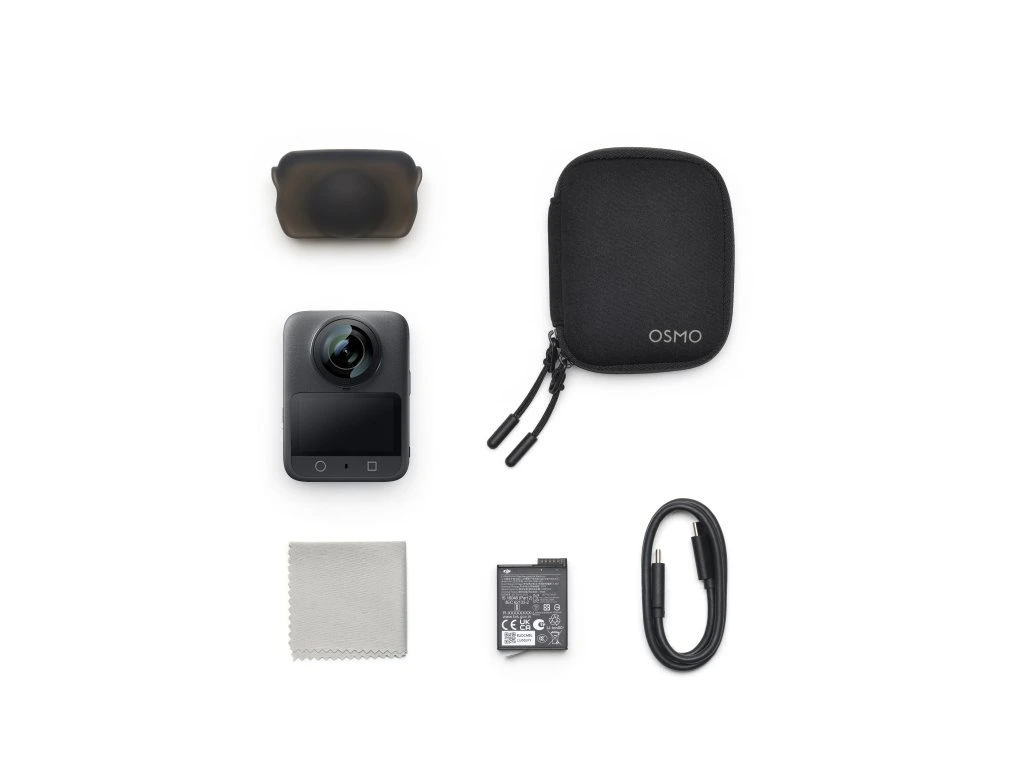
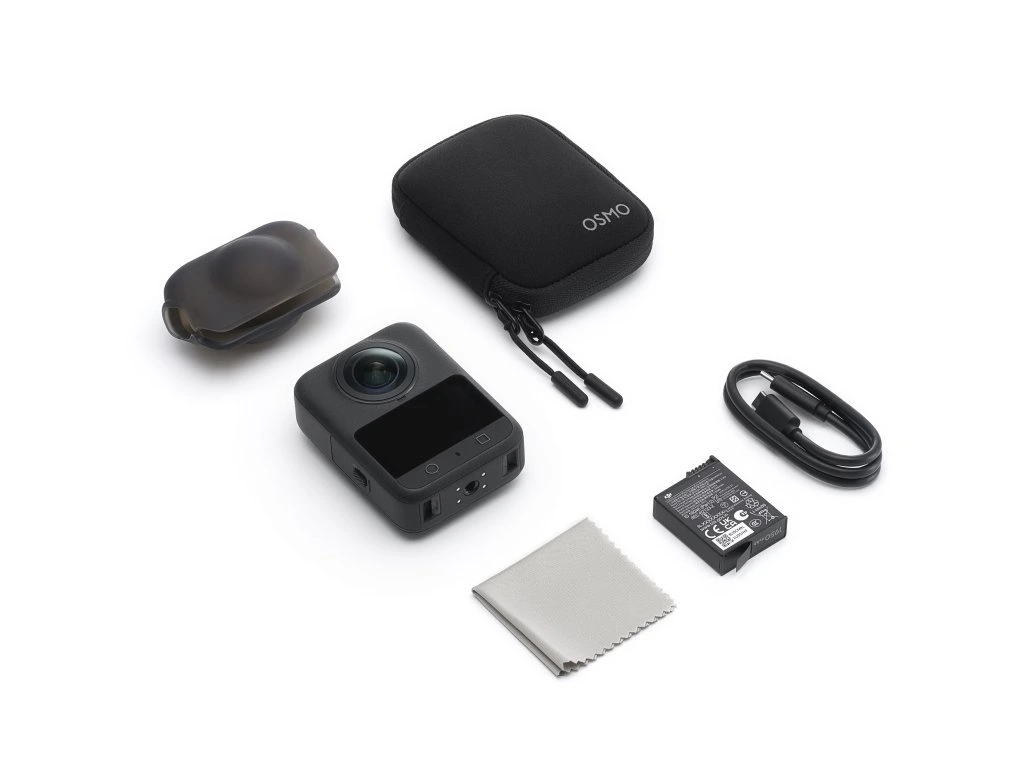
Package Contents:
Notes:
- When capturing 360° content, the Osmo 360 CMOS sensor has an effective imaging area equivalent to a 1" CMOS sensor with a 4:3 aspect ratio.
- Measured in laboratory conditions at a temperature of 25 °C while recording 8K/30 fps 360° video, with Wi-Fi, gesture control, voice control, Edit Assistant turned off and the screen turned off. Data was obtained in a controlled environment and is for reference only. When using Osmo 360 in the EU and the United Kingdom, actual battery life may vary due to local regulations regarding operating temperatures. Refer to real user experience.
- Direct connection to the first-generation DJI Mic is not supported. DJI microphones are sold separately.
- „First DJI camera“ refers to Osmo 360 as the first DJI camera (as of the release date July 31, 2025) equipped with two square sensors with a resolution of 4000 × 4000 and capable of natively recording 8K/30 fps 360° video with 2.4 μm pixels.
- The standard Osmo 360 package does not include the invisible selfie stick, which can be purchased separately.
- This feature is supported only when recording at frame rates up to and including 60 fps.
- Measured in laboratory conditions at a temperature of 25 °C while recording 6K/24 fps 360° video in Endurance mode, with Wi-Fi, gesture control, voice control, Edit Assistant turned off and the screen turned off. Data was obtained in a controlled environment and is for reference only.
- To achieve a transfer speed of 600 MB/s, use the included USB-C to USB-C PD cable (USB 3.1), make sure your computer supports high-speed USB 3.1 transfers, and transfer data from the camera’s internal storage.
- Only in single-lens mode.
- Measured in laboratory conditions at −20 °C while recording 8K/30 fps 360° video, with Wi-Fi, gesture control, voice control, Edit Assistant turned off and the screen turned off. Data was obtained in a controlled environment and is for reference only.
- Before use, make sure the battery compartment cover and USB-C port cover are firmly closed. The camera is not intended for long-term underwater shooting or environments with high water pressure. Osmo 360 has an IP68 rating. Do not use the camera in hot springs, extreme underwater conditions, or in contact with corrosive or unknown liquids. The camera body itself is waterproof down to 10 meters, but due to the convex fisheye lens design, light refraction and stitching errors may occur. For this reason, using the bare camera body for underwater shooting is not recommended.
- The standard Osmo 360 package does not include the invisible selfie stick or the adjustable quick-release adapter, which are available separately.
- Sold separately.
- Based on extensive testing, Osmo 360 supports the following Bluetooth headsets: SENA 50S, VIMOTO V10x, AirPods (3rd generation), AirPods Pro 2, and HUAWEI FreeBuds 4.
- Charging time was measured in laboratory conditions at a temperature of 25 °C, using a DJI 30W USB-C charger, with photo/video capture functions turned off and the screen turned off.
- When mounting on a vehicle for third-person perspective shots, always use together with the Dual Resistant Clamp and the high-strength carbon fiber Invisible Selfie Stick.
- Recommended for handheld use only. Do not use in environments with strong vibrations. When used on vehicles (e.g., motorcycles, cars), use a high-strength carbon fiber selfie stick together with appropriate stabilization accessories.
- Suitable for flat and stable, windless surfaces. Do not use while in motion.
- When using as a tripod, attach the camera directly and do not mount an extension rod on it to avoid damage in case of tipping over.
Related
SanDisk Extreme micro SDXC 128GB + SD Adapter V30 UHS-I U3
SanDisk Extreme microSDHC 256GB + SD adapter V30 UHS-I U3



Add reply to comment: