


|
Fast delivery |
Return your order within 14 days |
24 month warranty |
Free shipping over 199€ |




Blackvue DR770X-2CH II
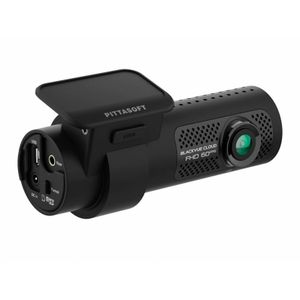 Blackvue DR770X-1CH II
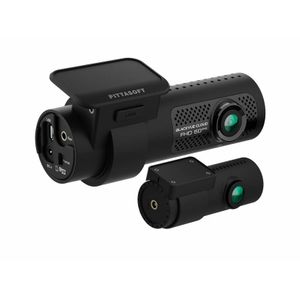 Blackvue DR770X-2CH II
371,90 € incl. tax

High-quality night and day video with the BlackVue DR770X-2CH II
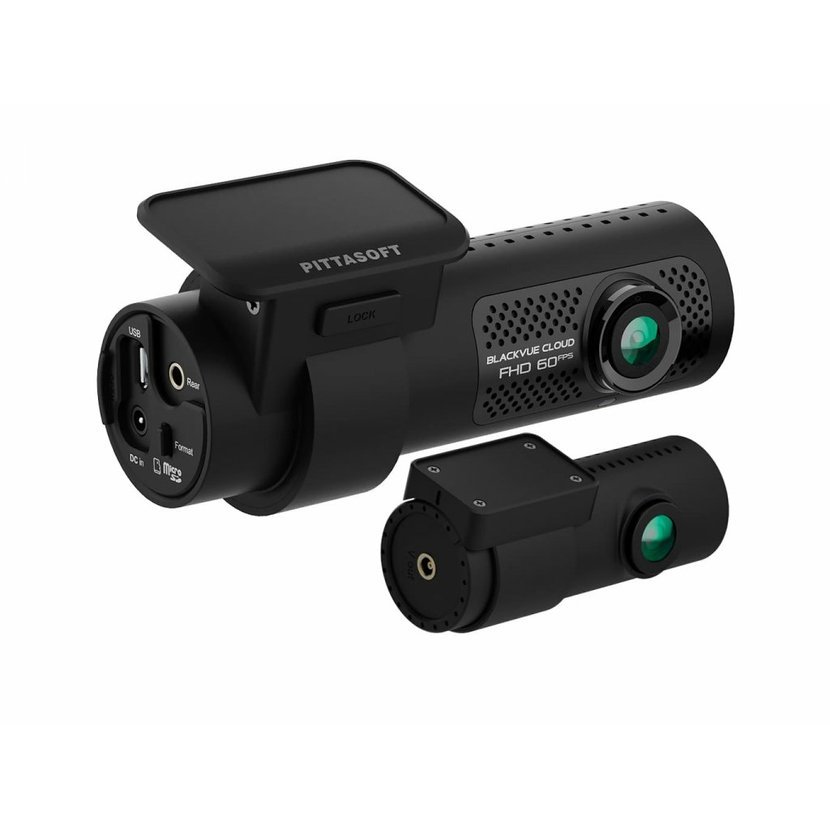
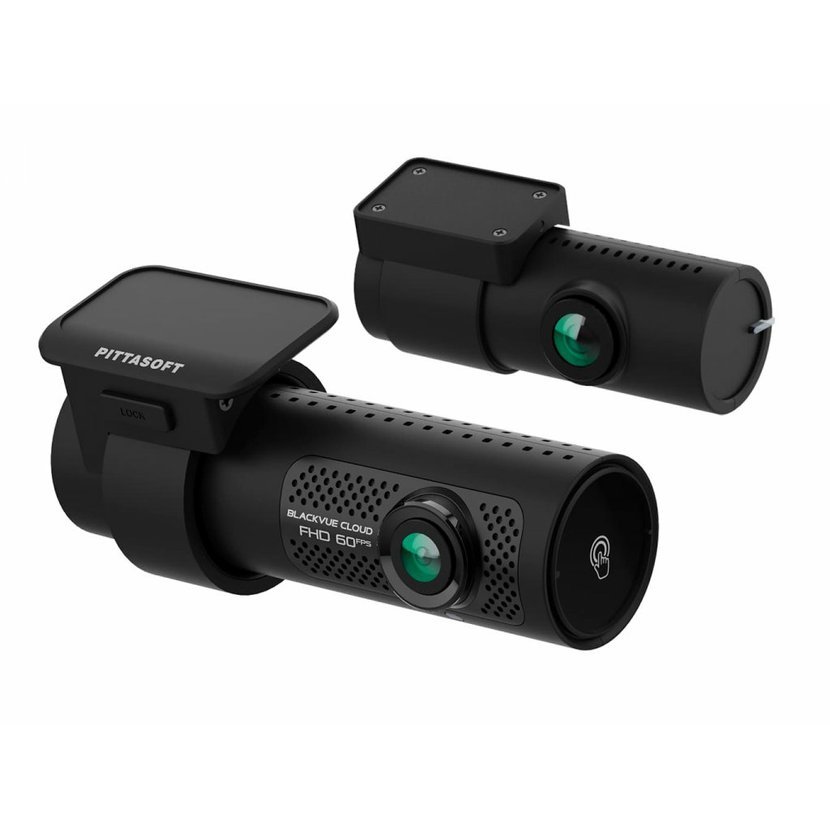
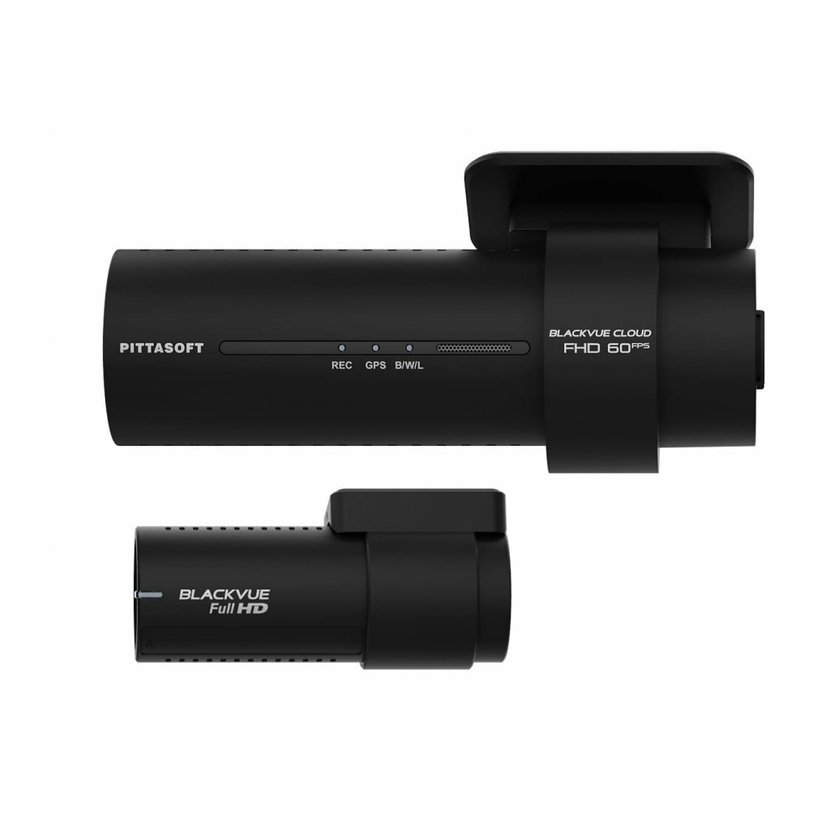
BlackVue DR770X-2CH II dash cam with BlackVue Cloud connectivity.
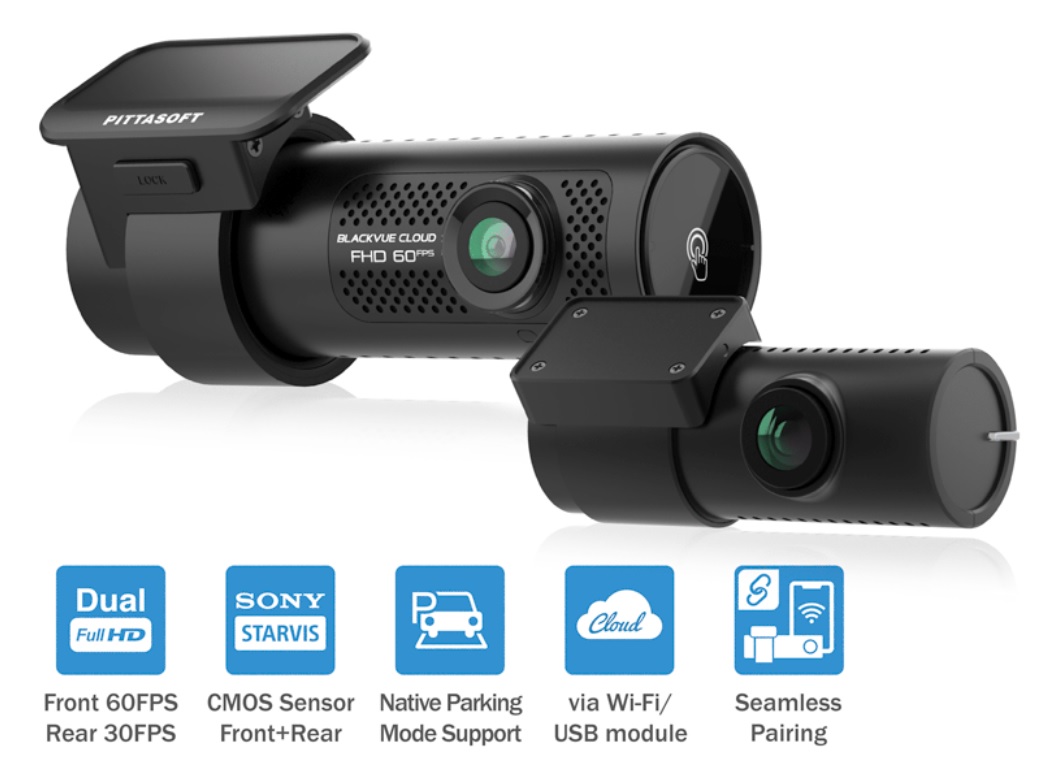
The car camera is equipped with a powerful Full HD Sony STARVIS™ chip for the best image quality in any light.
Of course, there is built-in GPS, Wi-Fi and parking mode support via the included cable.
View and download videos easily using the BlackVue app .
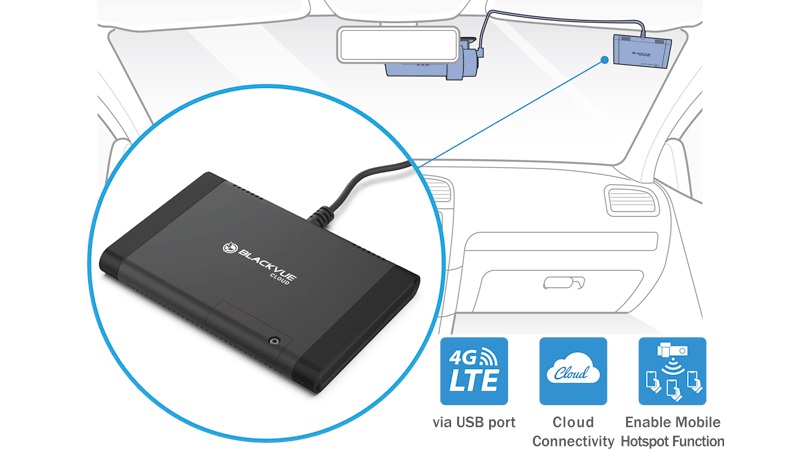
Cloud support via Wi-Fi hotspot or optional LTE module .
Dual Full HD dash cam
Night shots have never looked so good
Two Sony STARVIS™ sensors with Full HD 1080p resolution at up to 60 frames per second (rear 30fps) .
Smooth videos in a wide angle of up to 139°.
The STARVIS image sensor ensures that your dash cam captures details even in low light.
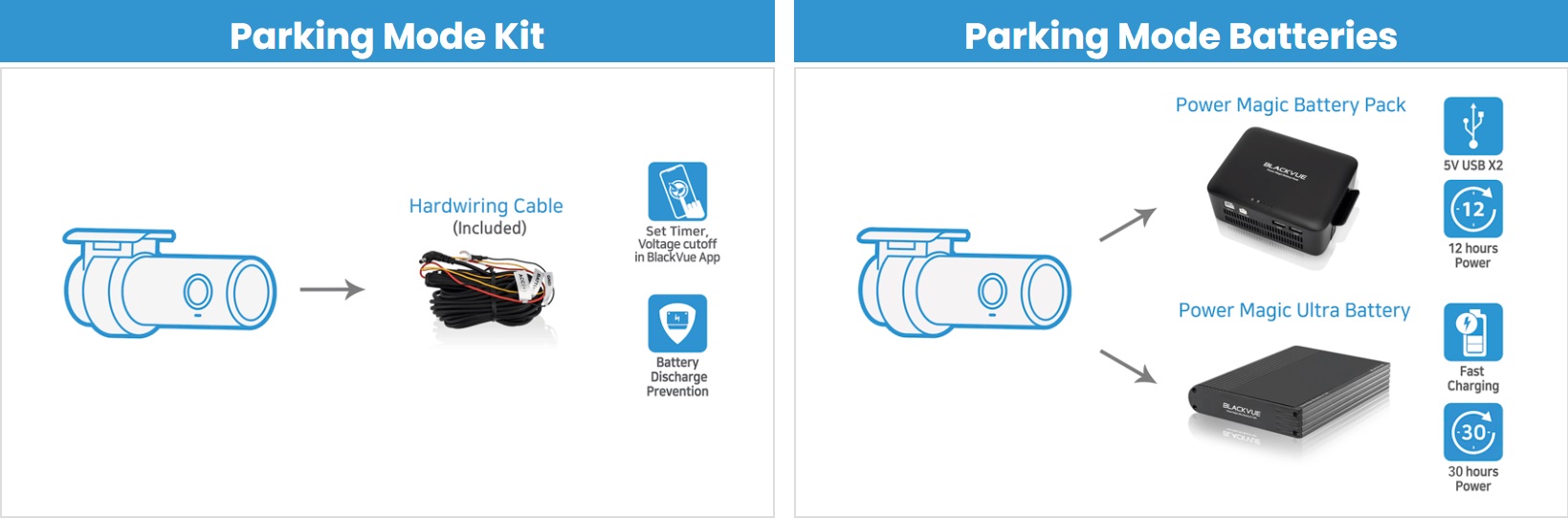
Parking mode with built-in voltage monitor to protect your vehicle's battery (cable included).
Check your car from anywhere, anytime with the free BlackVue Cloud service.
Online vehicle monitoring
Thanks to 4G/LTE technology (*you need to purchase an LTE Connectivity module and a data SIM card from your operator), you can track the location and route of your vehicle online and also watch a live view from the front and rear Blackvue car camera . The camera also has a built-in speaker and microphone , which ensures online remote communication . In the event of movement near the vehicle or its damage, the advanced parking mode system can send a message to your smartphone , thus perfectly protecting your vehicle .
Parking mode
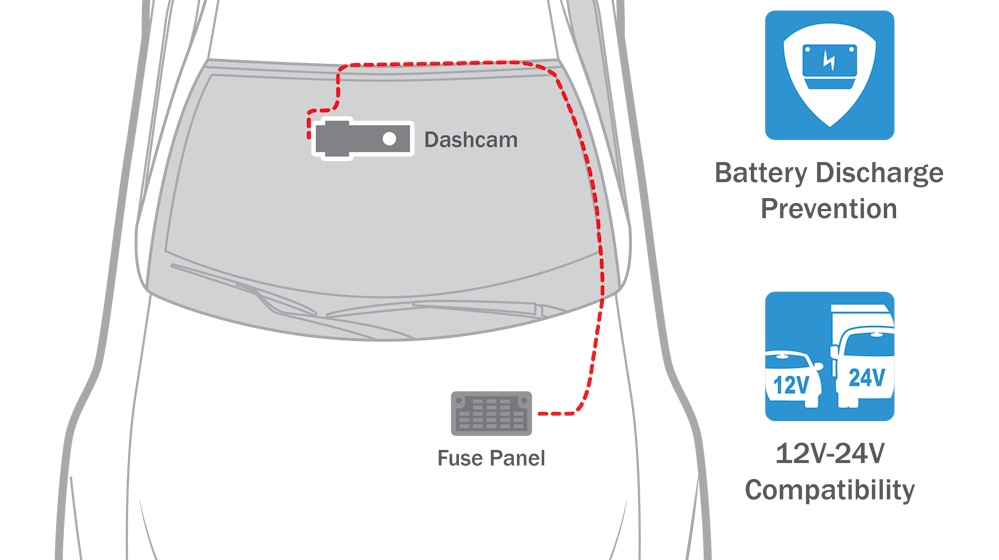
The DR770X series dash cams can be hardwired into your vehicle's fuse panel, without the need to purchase additional accessories. The camera automatically switches to parking mode when the vehicle's ignition is turned off. Power cut-off and timer can be set in the BlackVue app.
Parking mode accessory support
The DR770X series of cameras is also compatible with all BlackVue parking mode kits and batteries.
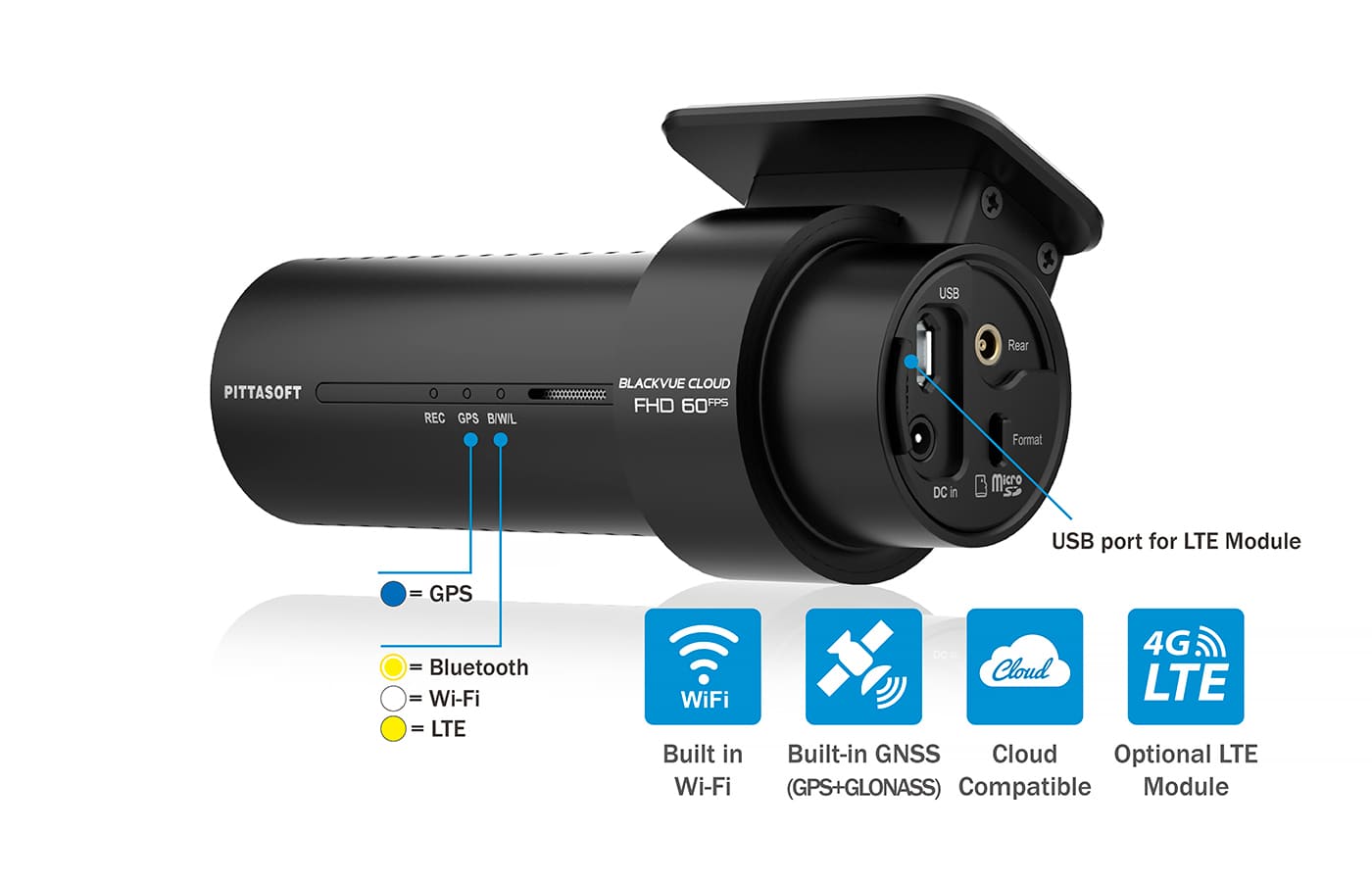
Built-in WiFi, GPS and optional 4G, LTE
GNSS (GPS + GLONASS)
Speed: speed data is displayed in the video (can be turned off in settings).
You can set the speed display to be in kilometers per hour (Km/h) or miles per hour (Mph).
Location: visualize your vehicle's location in the BlackVue app or on the browser map.
Connect to your dash cam via Wi-Fi or cloud
Wi-Fi allows you to connect to your BlackVue using a smartphone or tablet.
4G and LTE gives you access to your BlackVue via the cloud from anywhere, anytime ( LTE module required).
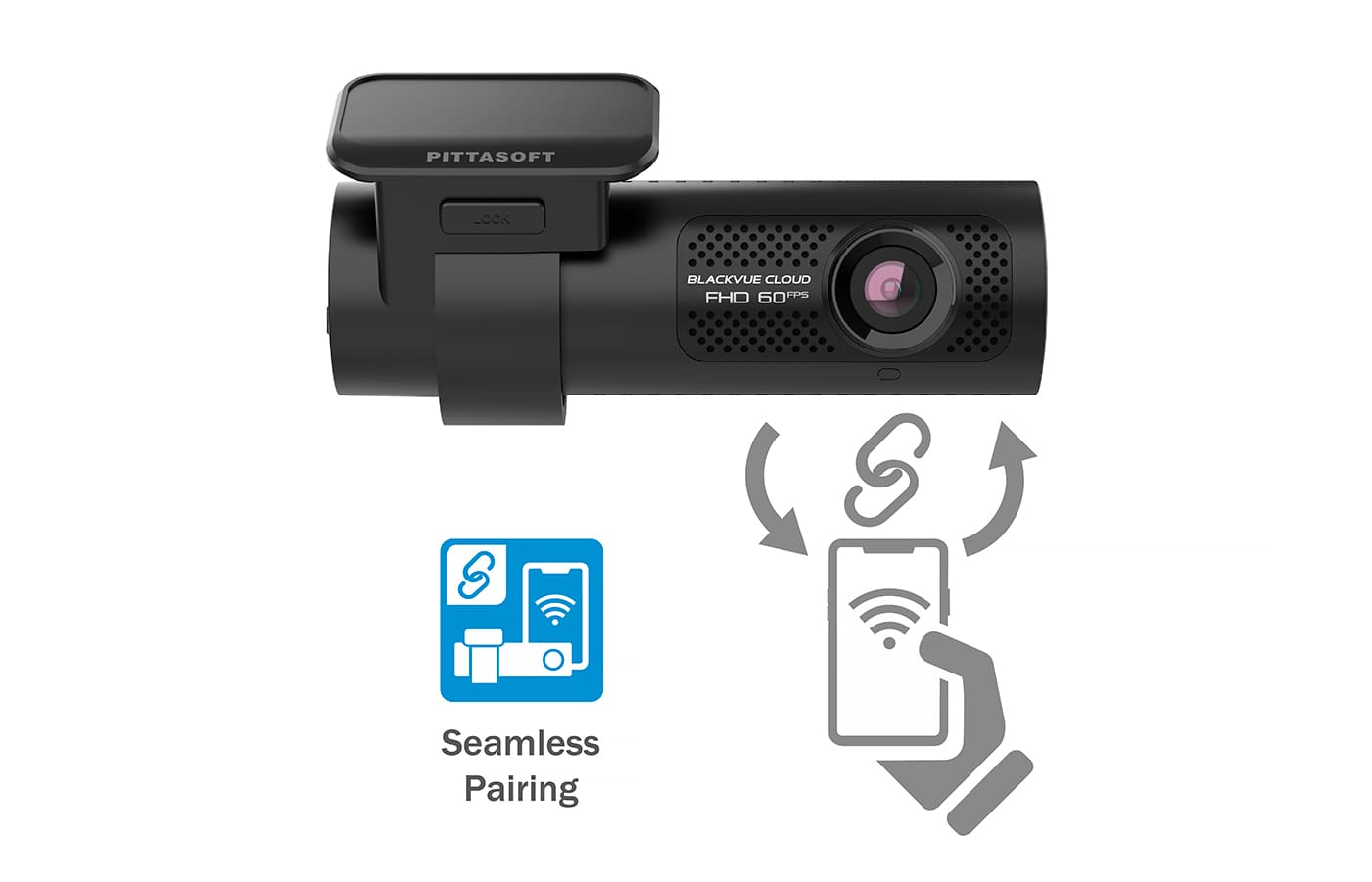
Seamless pairing with the Blackvue app
With seamless pairing, setting up your dash cam is a breeze. Just turn on the dash cam, then simply connect from the Blackvue app and follow the simple instructions.
Whether you want to browse your dashcam's files and settings or connect your dashcam to the cloud, seamless pairing makes everything simple and intuitive.
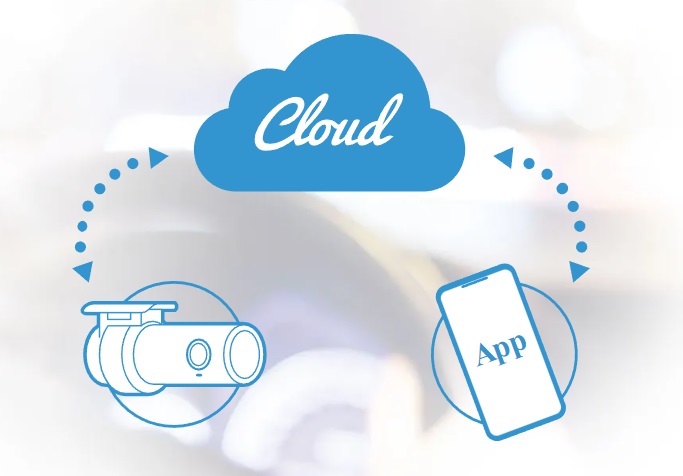
BlackVue Cloud
Connect you and your car
Connect to your BlackVue anytime, anywhere in the world with BlackVue Cloud.
Get push notifications to your phone whenever your dash cam detects a collision with your parked vehicle , and see for yourself with Remote Live View. Even better, have BlackVue upload critical footage – like a break-in or a crash and run – in real time to the cloud with Live Event Upload.
Play and download videos from your dashcam or cloud from anywhere, and back up important videos to free cloud storage.
Enjoy two-way voice communication with the driver from the app via BlackVue's integrated speaker and microphone.
Built-in speaker, shock sensor and motion detection
Speaker : your dash cam will tell you when it turns on, turns off, or detects errors.
Accelerometer: detects impacts and triggers event recording. Initiates parking mode* when stationary for 5 minutes.
Automatically tags video files: while driving, the built-in accelerometer (G-sensor) detects impacts and sudden changes in speed. While parking, your BlackVue also detects visual movements around your vehicles.
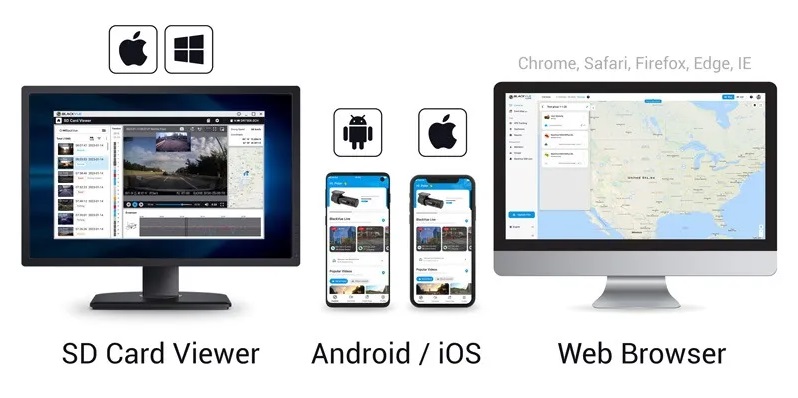
Use filters in the BlackVue app and viewer : BlackVue labels all videos (Normal, Event, Parking Mode, etc.) so you can filter them and quickly find the ones you need in the BlackVue Viewer (Windows, Mac OS, Web) or BlackVue App (Android, iOS) .
(*) Parking Mode Kit or battery required. Read more about Parking Mode.
Easy installation
BlackVue dash cams are very easy to install. Attach the front unit to the windshield behind the rearview mirror using the included double-sided tape.
This way, the front camera is invisible to the driver's eyes. Simply plug the power cables into your vehicle's cigarette lighter/accessory socket and recording will start automatically when the ignition is turned on (no button to press).
Once set up, you can forget about it, knowing it will reliably record your ride.
Basic installation of BlackVue X Series
Installing the BlackVue X Series Hardwire kit
BlackVue Cloud Guide
Elegant interface
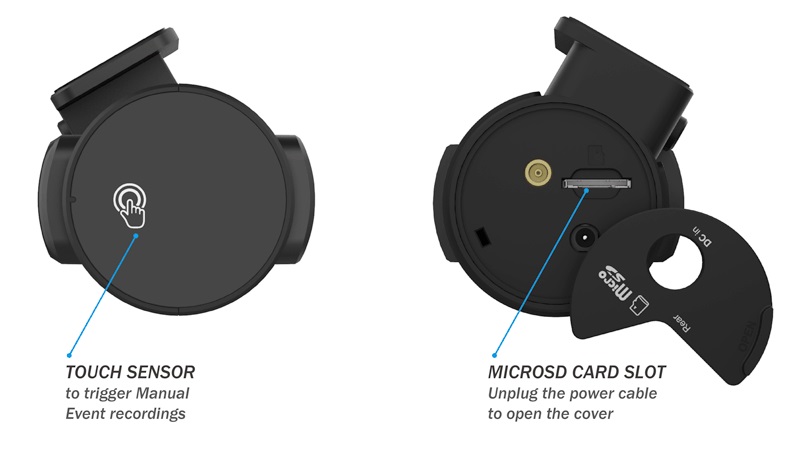
Touch sensor
Tap the touch sensor to start videos with a manual event.
Secure microSD card access
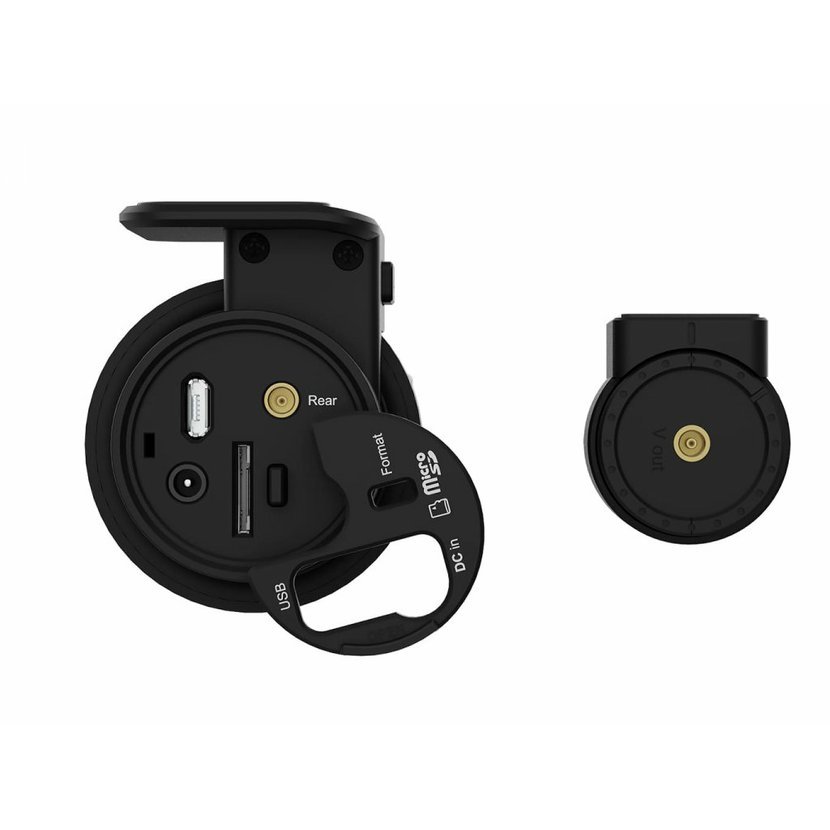
Disconnect the DC power connector and open the cover to reveal the microSD card slot.
Your videos are safe.
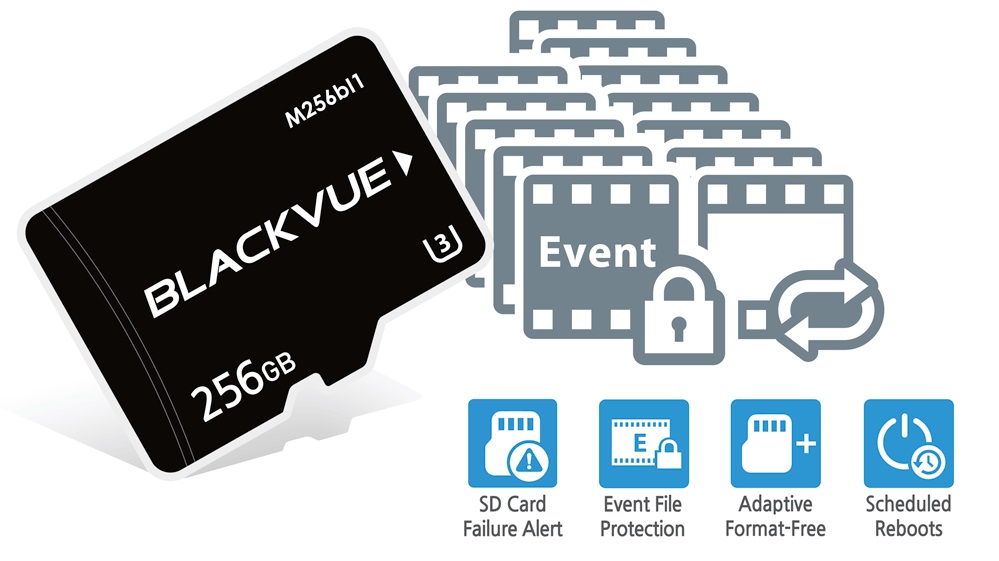
Event File Overwrite Protection: Dashcams record in a loop and overwrite older files when the memory is full. BlackVue can prevent event files (manually triggered or by shocks) from being overwritten. Up to fifty (50) files can be protected in this way . You can choose to allow new event files to overwrite past event files, thus preserving the last fifty.
Adaptive file management without formatting: this file system developed by BlackVue improves recording stability and requires less formatting of the microSD card.
SD card failure warning: your BlackVue will detect that the microSD card is malfunctioning and will alert you with a voice prompt saying "Please check SD card".
Tamper-Proof Case (optional)
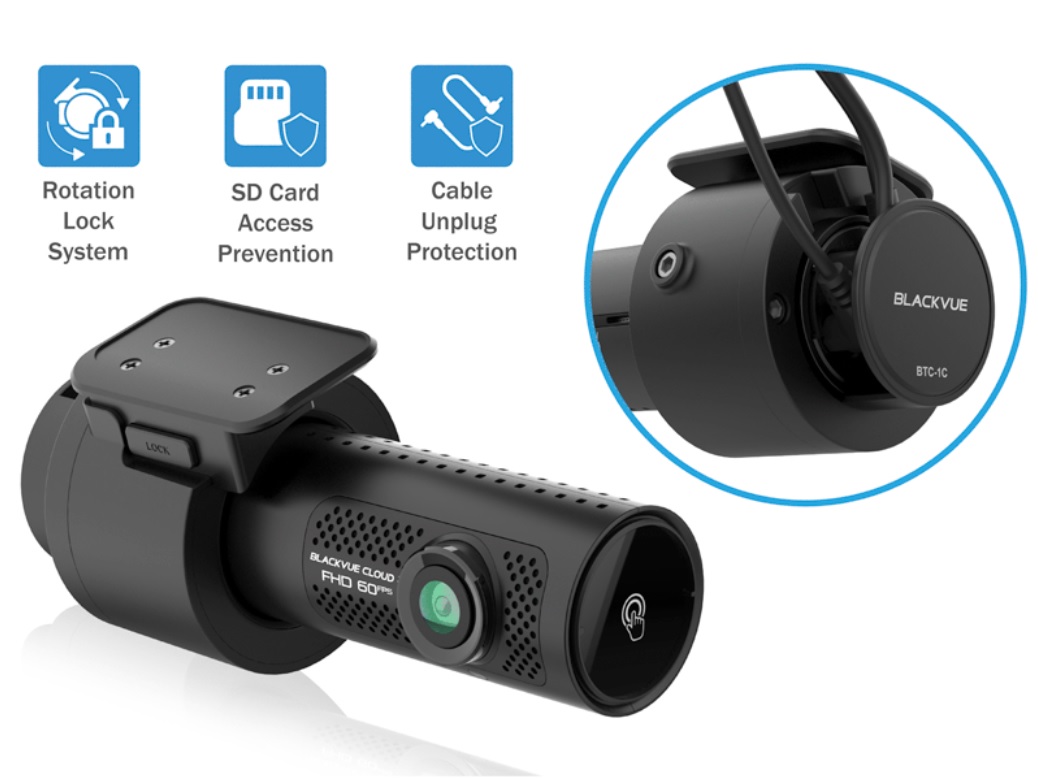
The tamper-resistant case (reference number: BTC-1C) is a security accessory that blocks physical access to the microSD card slot and prevents the power and coaxial cables from being disconnected, significantly reducing the risk of data tampering.
Smart parking mode monitoring
with Power Magic accessories.
Enjoy peace of mind knowing your car is protected while you are away.
The BlackVue dash cam automatically switches to parking mode to monitor your parked vehicle.
Thanks to the video buffer, the few seconds leading up to the triggering of events are also recorded.
The DR770X-2CH II dash cam supports two parking mode options:
Parking mode with motion and impact detection (detects both):
Motions recorded by the image sensor (marked with “P” in the file list).
Impacts detected by accelerometer/G-sensor (marked with "E" in the file list).
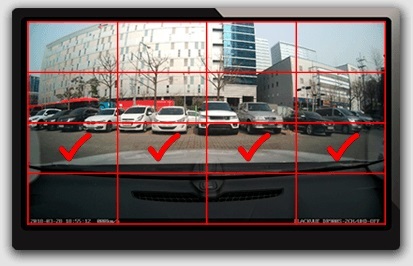
Choose detection areas to reduce the risk of triggering unwanted motion recordings due to trees swaying in the wind, distant moving objects, etc.
Time-lapse video
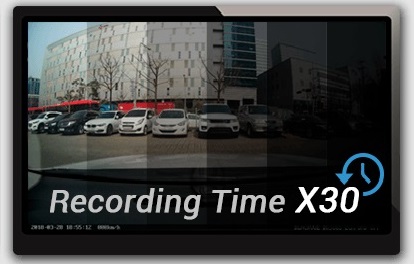
Continuous recording at 1 FPS (one frame per second). Videos play at 30 FPS.
1 minute video in parking mode with time-lapse video = 30 minutes of real-time coverage.
A 32 GB microSD card can hold over 54 hours of time-lapse video from the front and rear dash cams at the highest (extreme) quality setting.
When a collision is detected, the dash cam creates a video event in the buffer.
Voice notifications for parking mode events:
After exiting parking mode, your BlackVue will tell you if events were recorded while you were away from your car, so you can immediately view event videos in the BlackVue app.
Scheduled restart:
Schedule a daily automatic reboot (optional - defaults to night) to minimize potential errors. The reboot will only occur if the dashcam is in parking mode and not writing data to the microSD card.
Top secret:
In parking mode, turn off all LED indicators completely. Only the recording LED facing the vehicle interior will flash when motion or impact is detected.
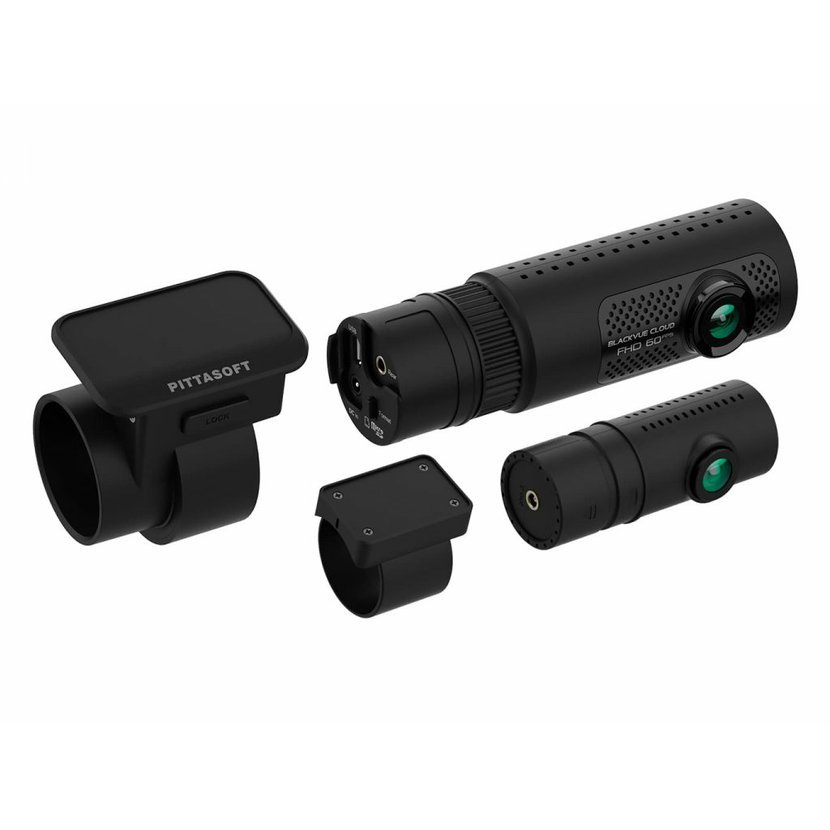
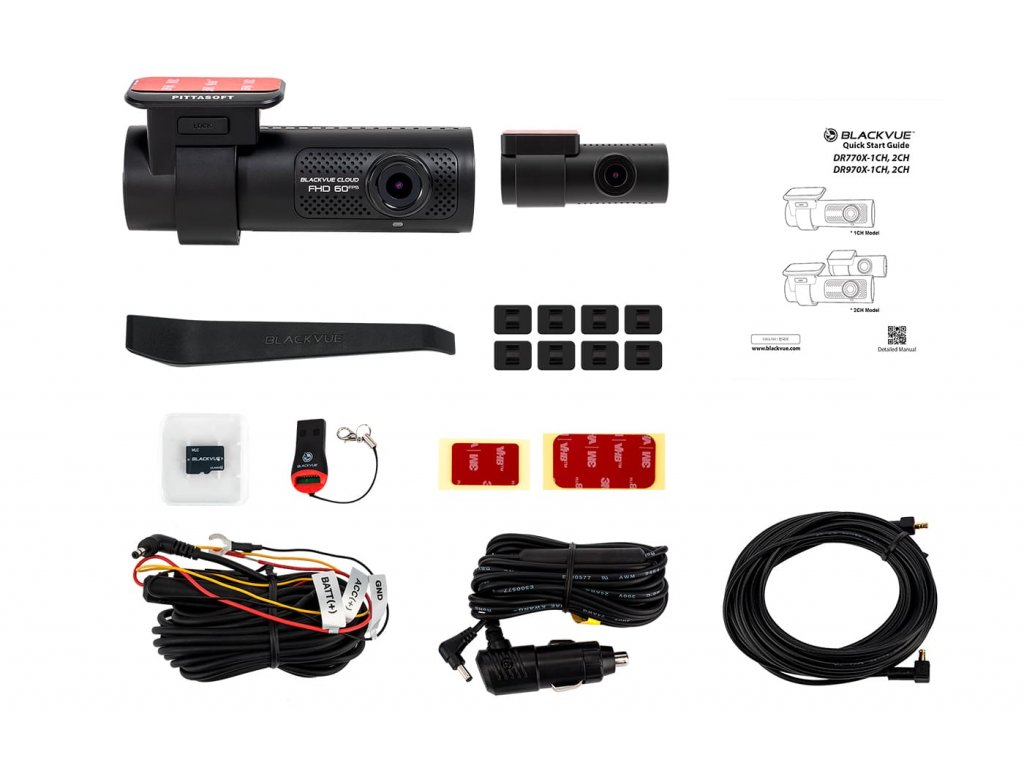
Package contents:
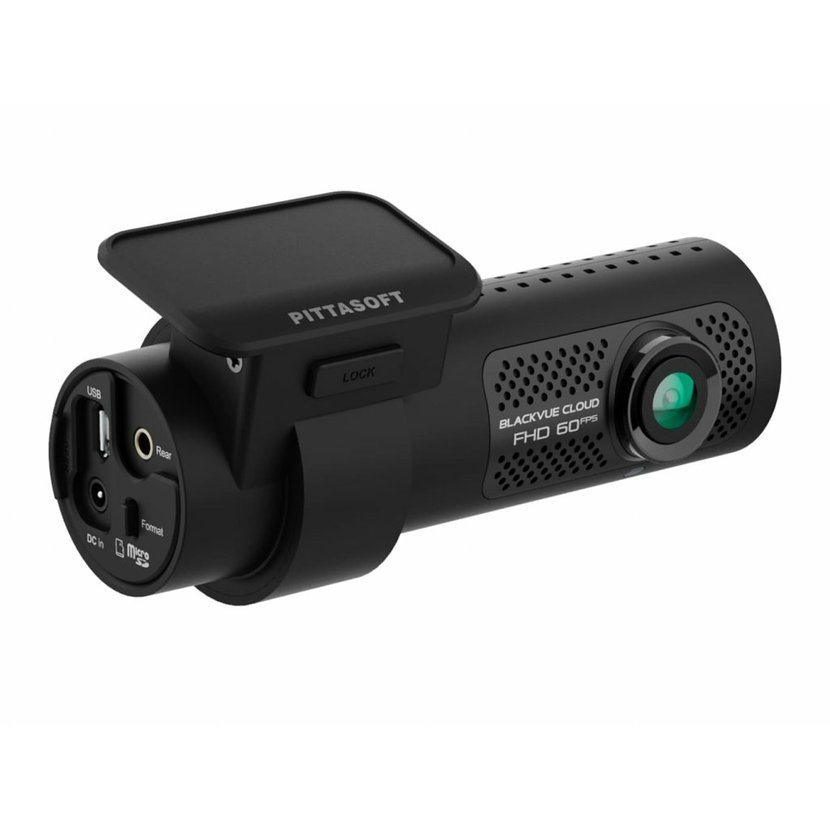
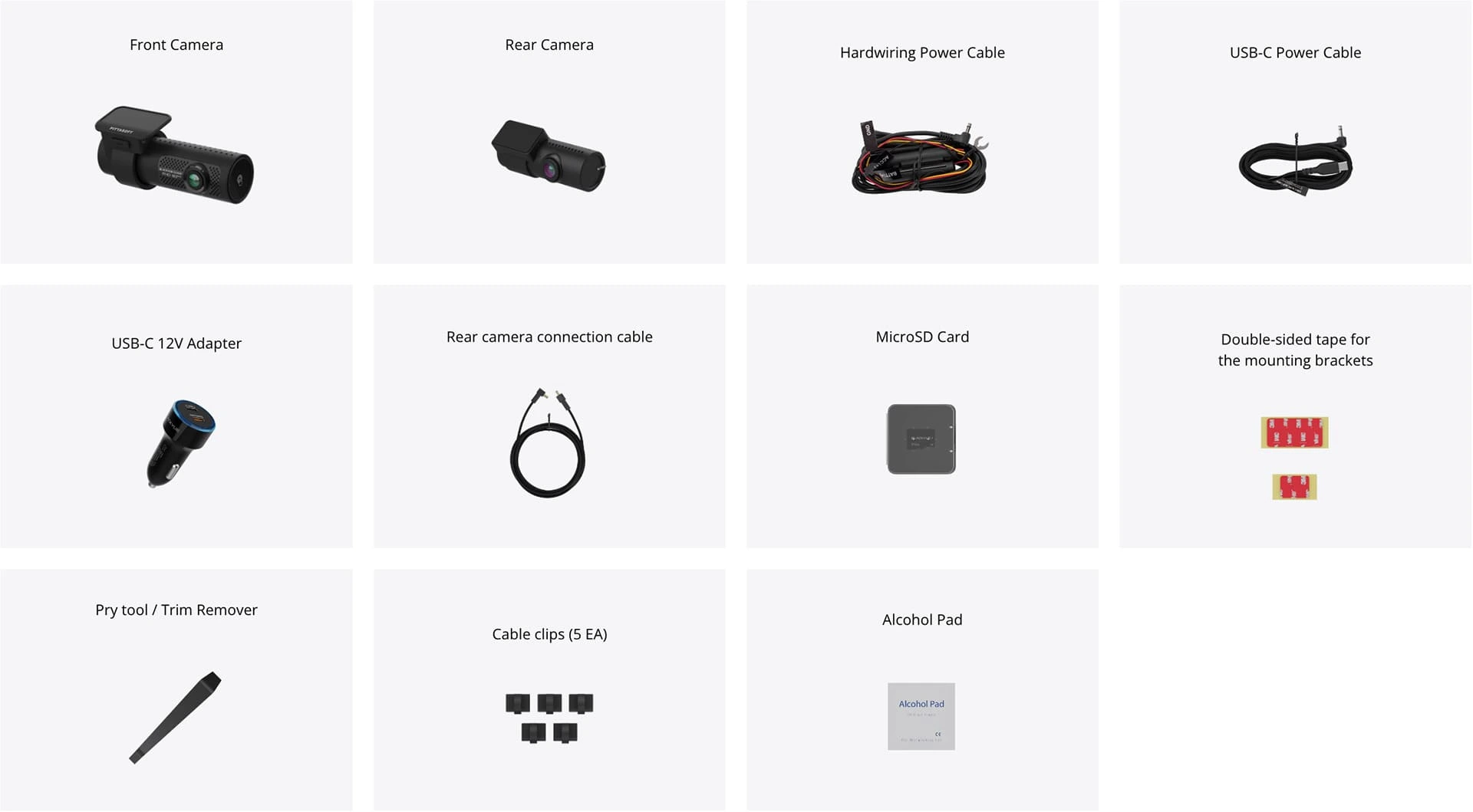
Front camera with windshield mount
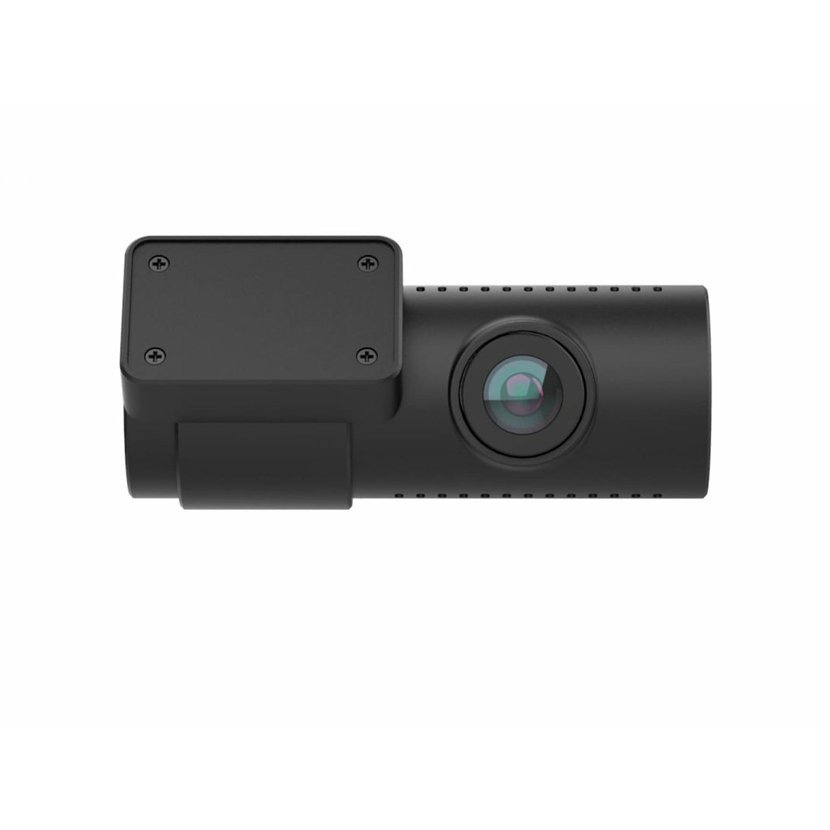
Rear camera with rear window mount
Cable ties (8pcs)
USB-C PD 3.0 Power Cable and USB-C 12V Adapter
Professional power cable with straight conductor (4.5m)
Coaxial connection cable for connecting the rear camera (6m)
microSD card reader
MicroSD card 64 GB
2 x replacement adhesive tape for fixing the groove
Mounting brackets for wiring installation
Manual



Add reply to comment: